
Free
$0 No card
- 75 credits / month, about 3 to 9 designs
- Every download: STEP, STL, 3MF, OBJ, GLB, cut SVG and DXF
- 1 reference-photo design / month
- Projects are public
- Sliders and re-cuts never spend credits
VoloomVoloom3D printing3D printingLaserLaser cuttingCNCCNC routing
Type what you need, or drop in a photo. What comes back is a design that rebuilds itself: make the case wider and the holes, walls and lid follow; switch to 6 mm plywood and every joint recuts. Cases and organisers for the 3D printer, boxes and lanterns for the laser cutter, furniture for the CNC router.
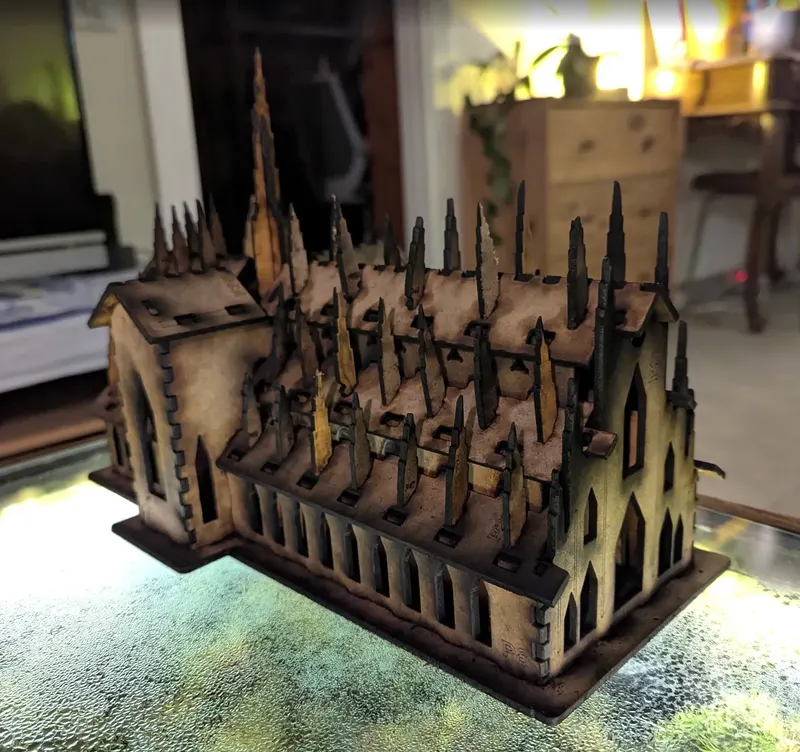 “the duomo of milan”, cut and glued at home
75 credits a month on the free plan, about 3 to 9 designs. No card.
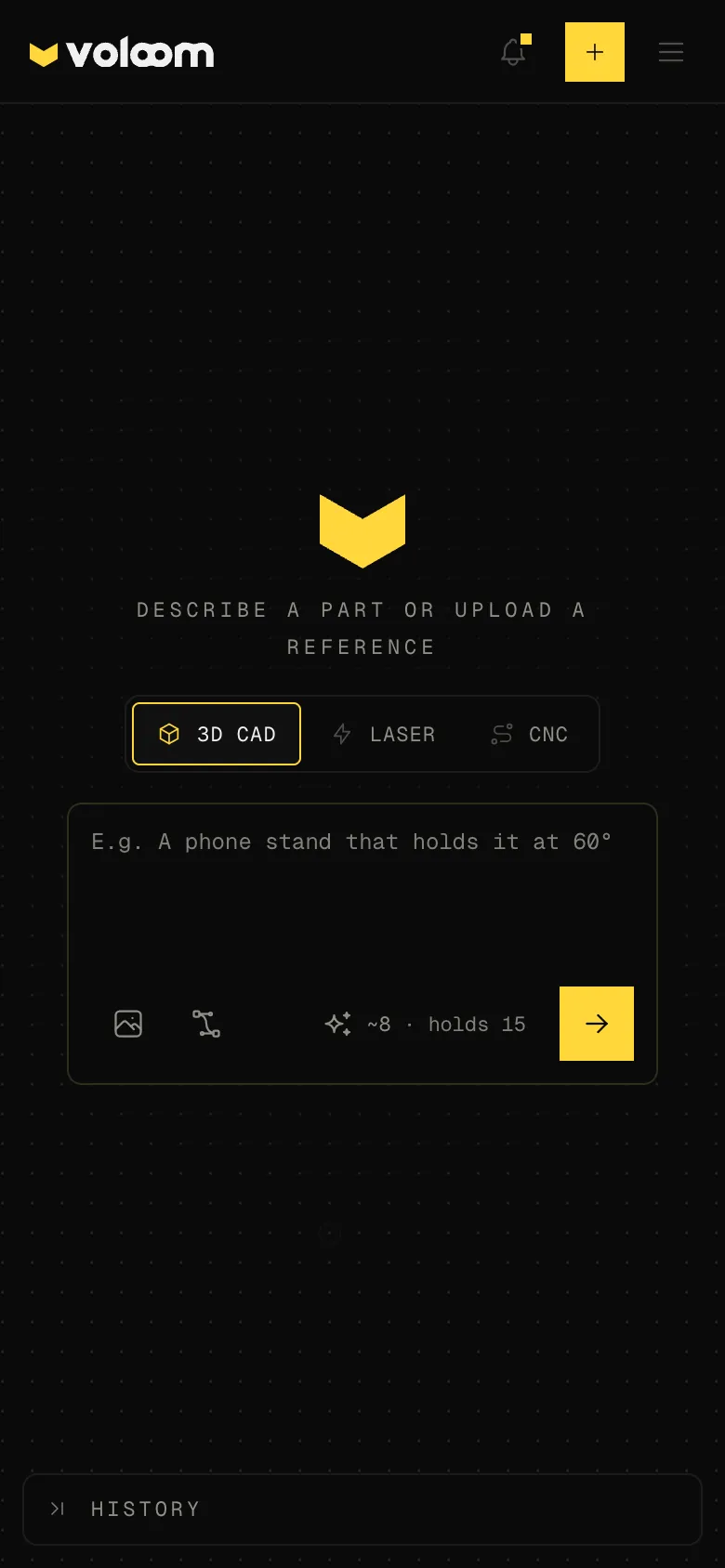
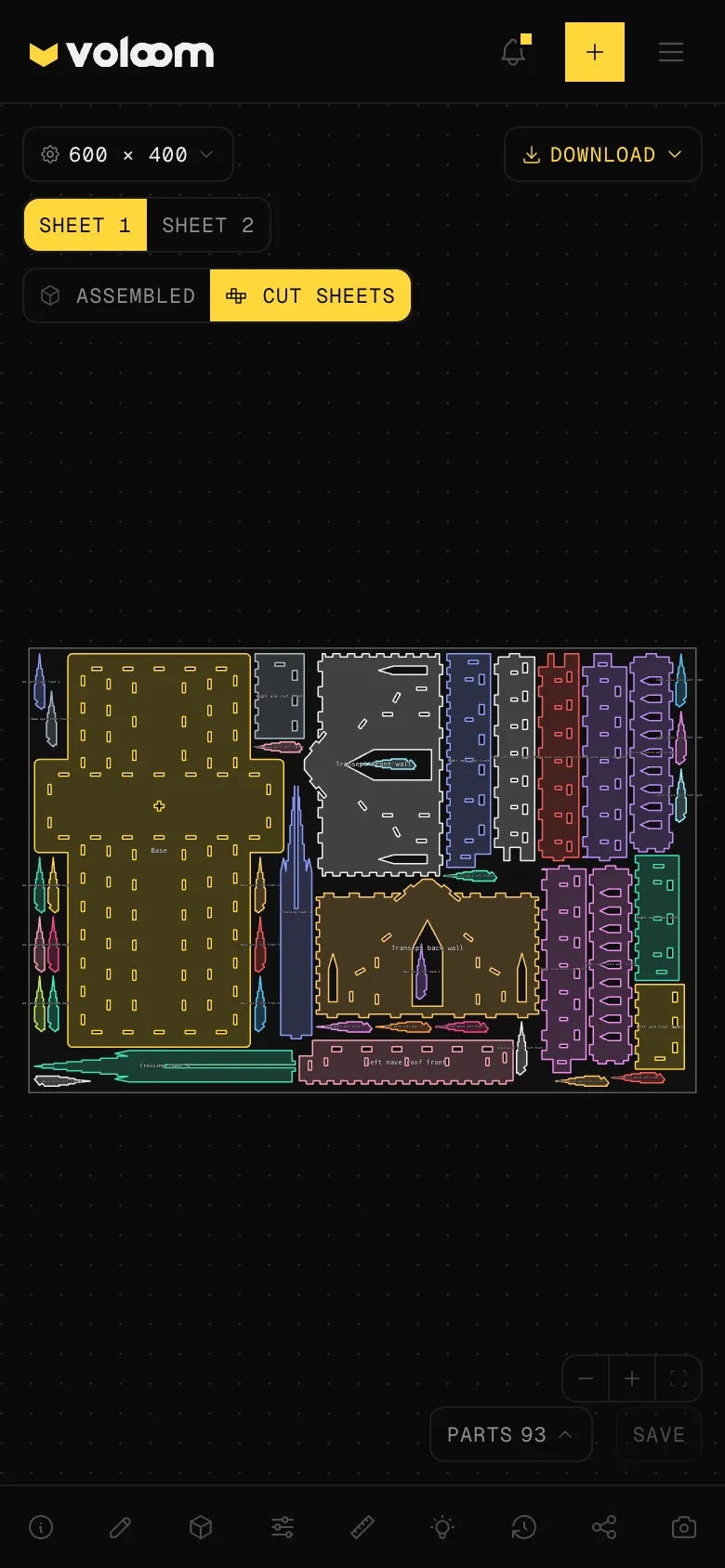
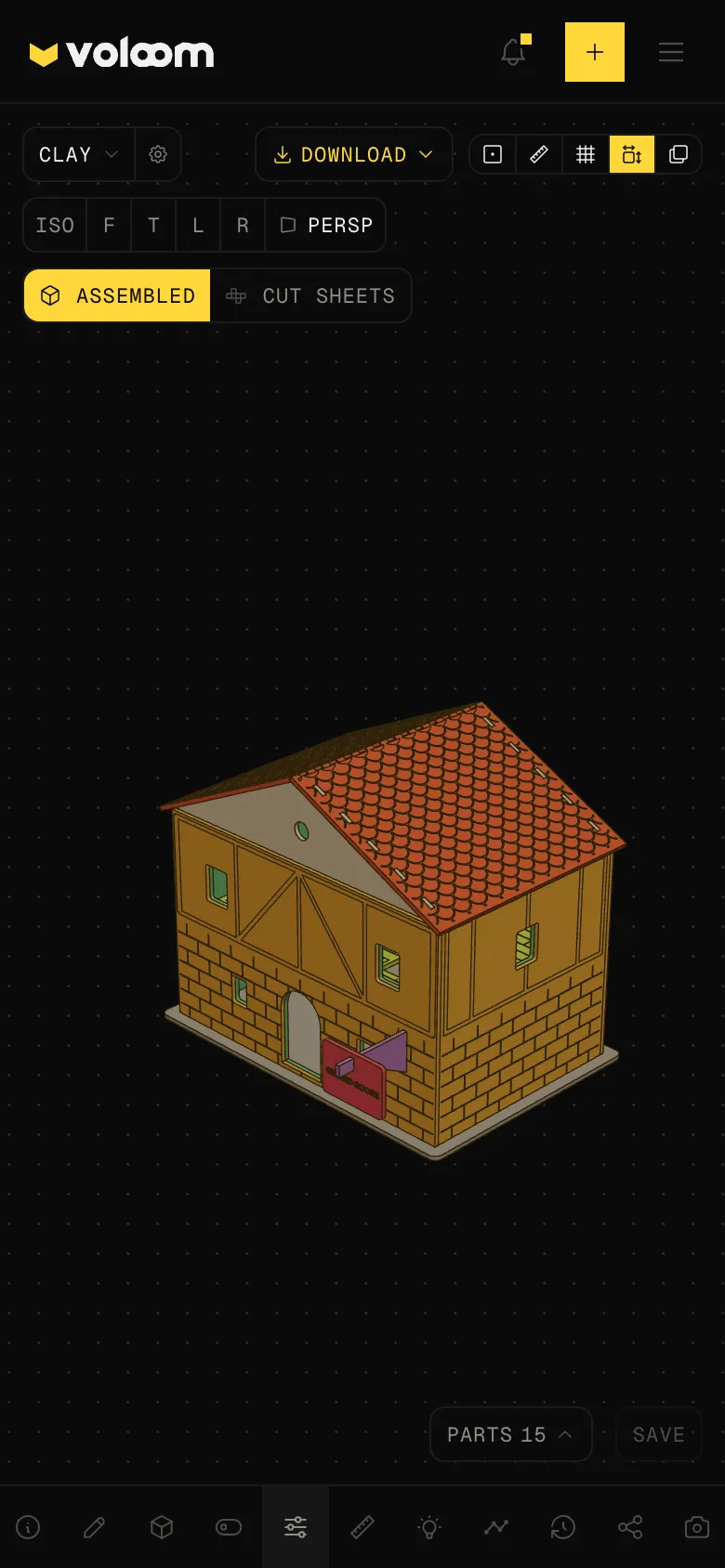
Four words in. A cathedral out.
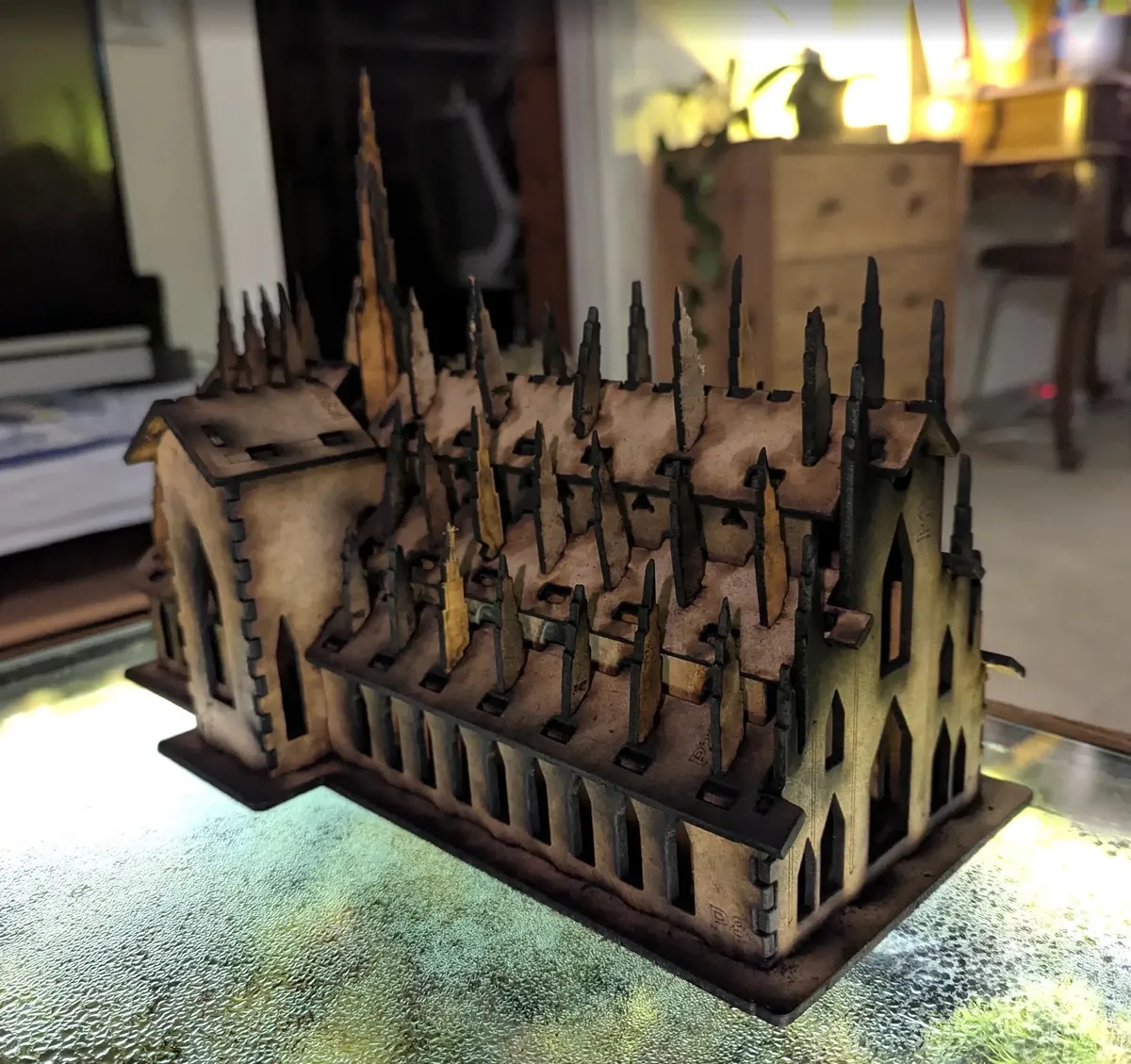 You build it
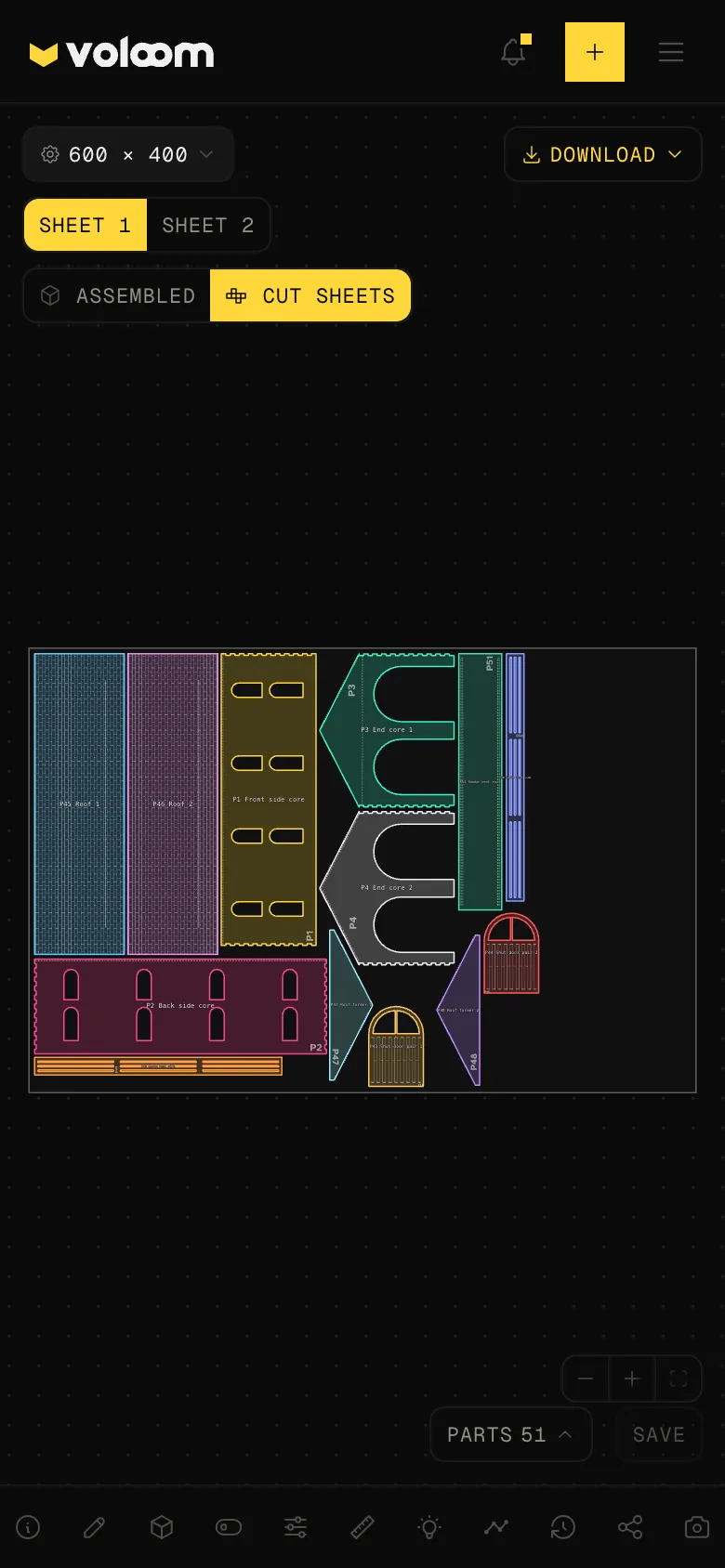
It started as “the duomo of milan”. Two revises and a resize later it was 93 parts on four A3 sheets of 3 mm MDF, ready for the laser. Cut, then glued at home: every pinnacle, roof and wall came out of the files you download.
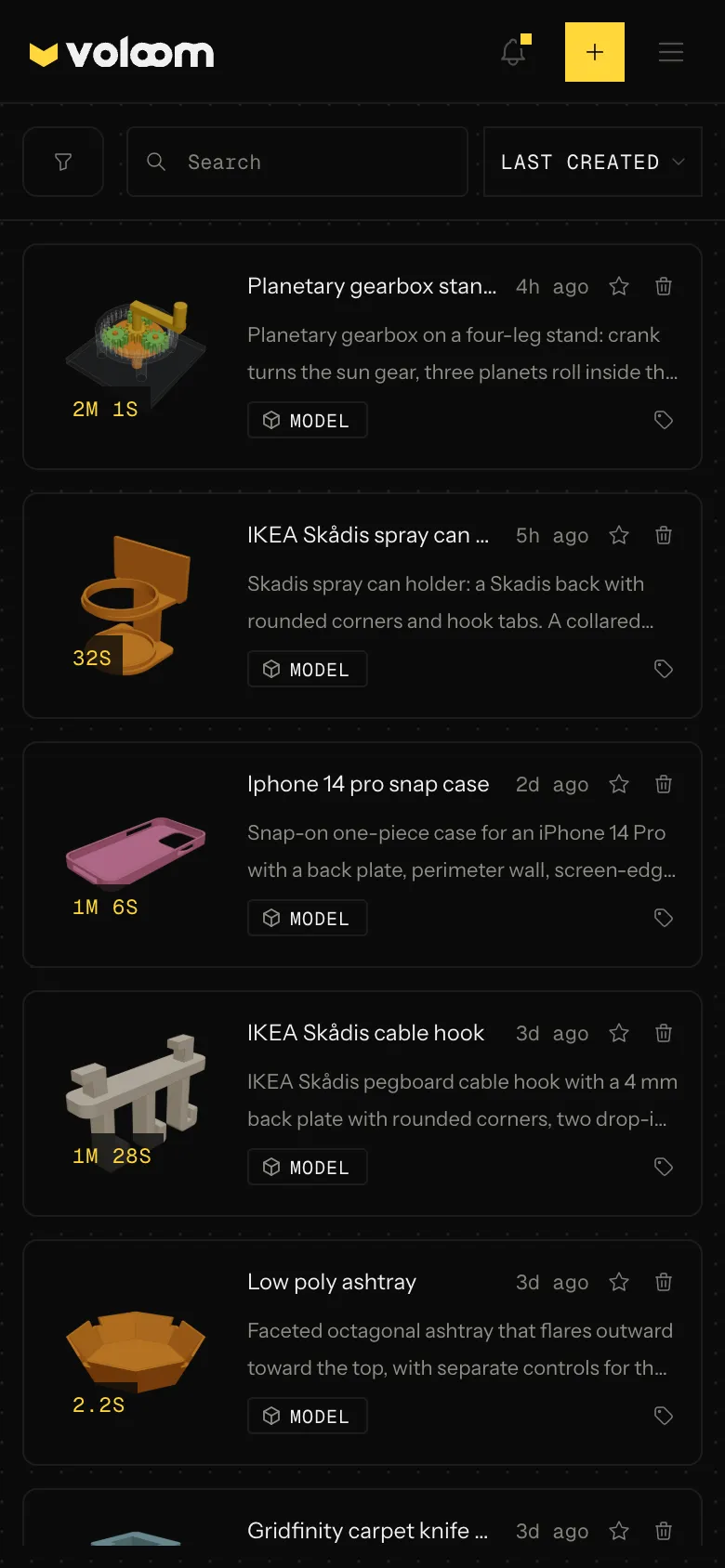
Every model here was generated in Voloom. Well-rated prints sit in the same grid. Open one and fork a copy.
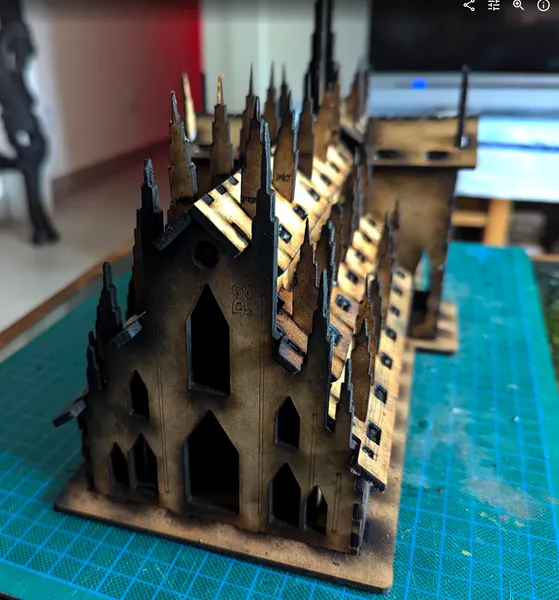 LaserFork
A flat-pack Duomo di Milano: cruciform plan with a five-bay pinnacled facade, stepped nave and four aisles, transept, apse, rows of flank spires and the tall…
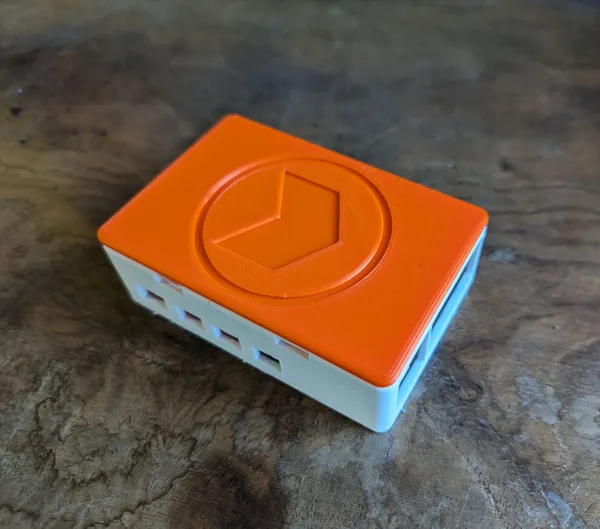 ModelFork
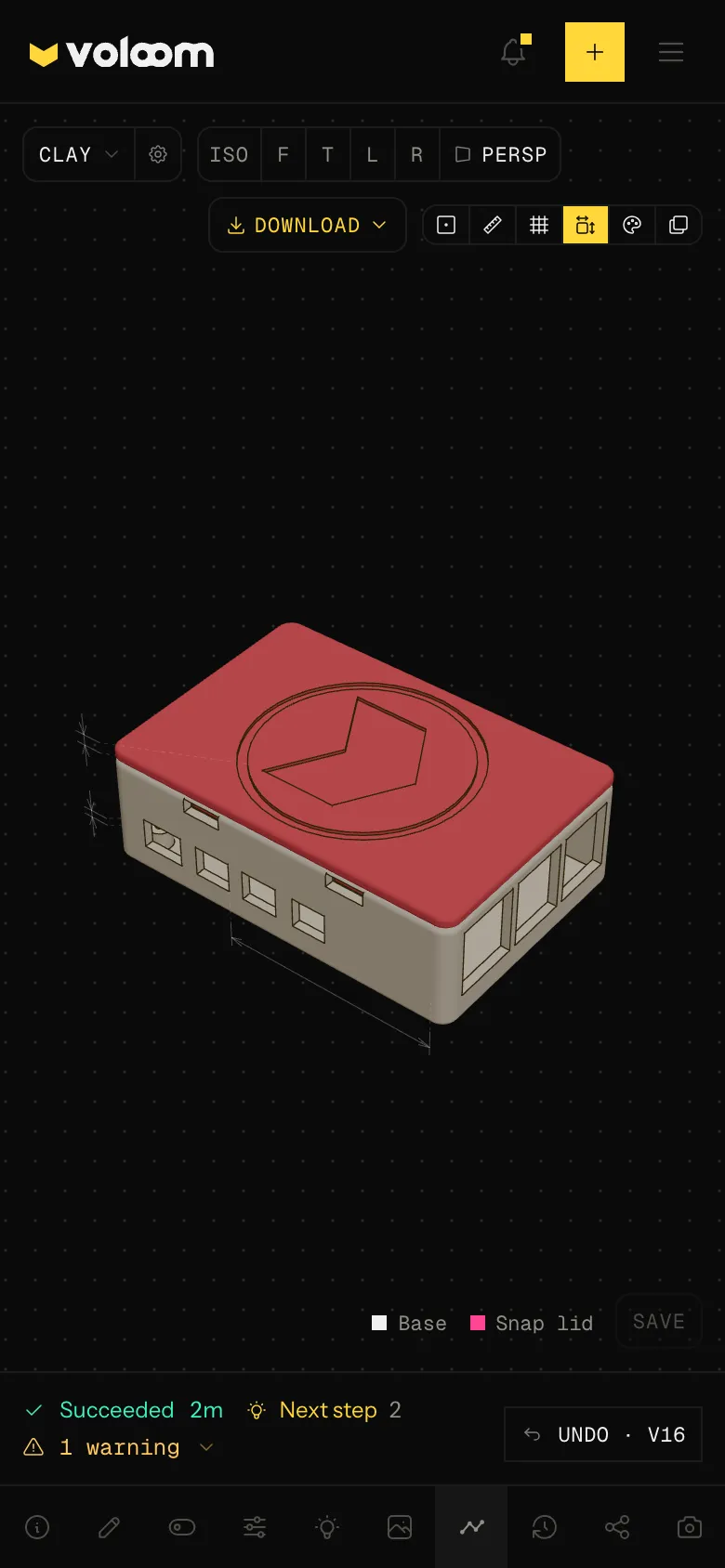
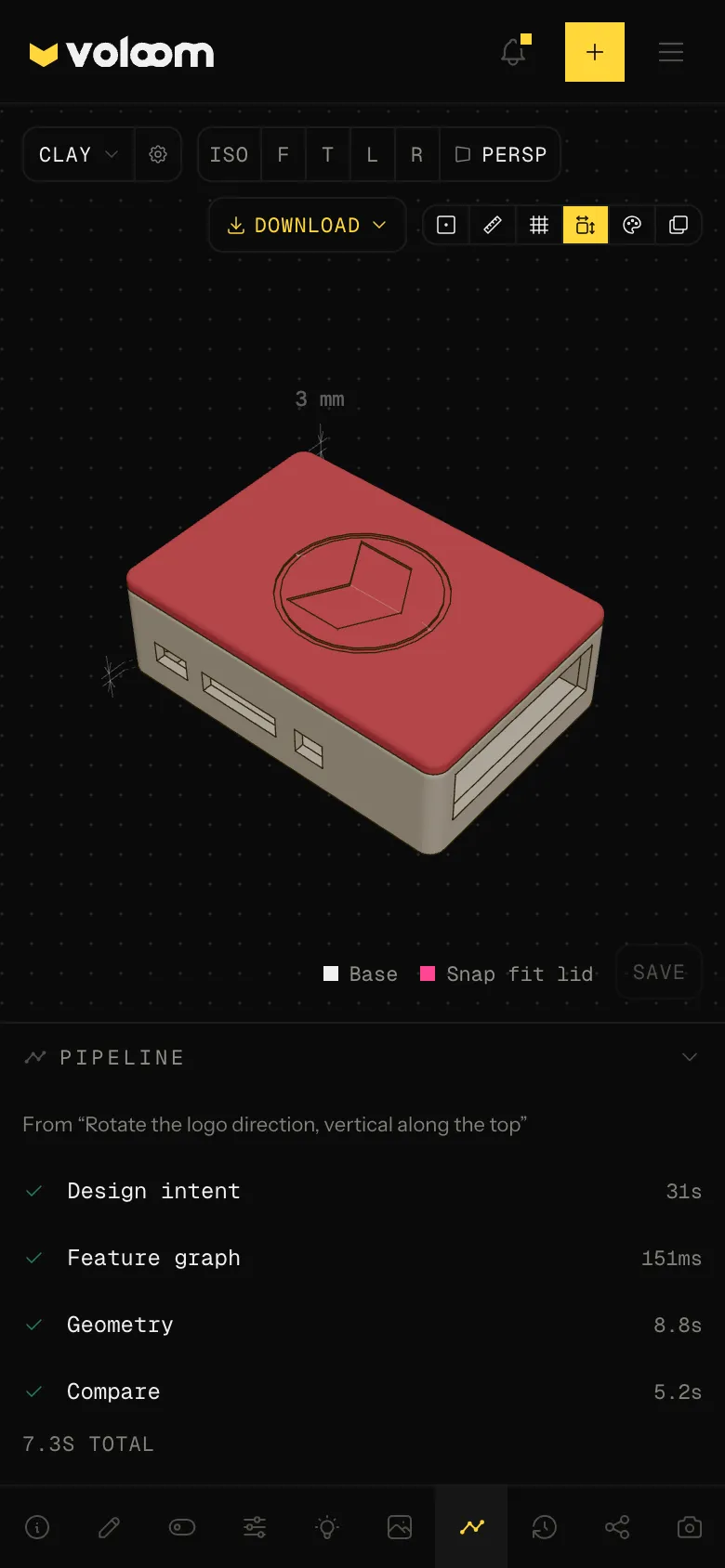
Two parts: a base with standoffs and port cutouts, and a snap-fit lid with a logo engraved in a ring.
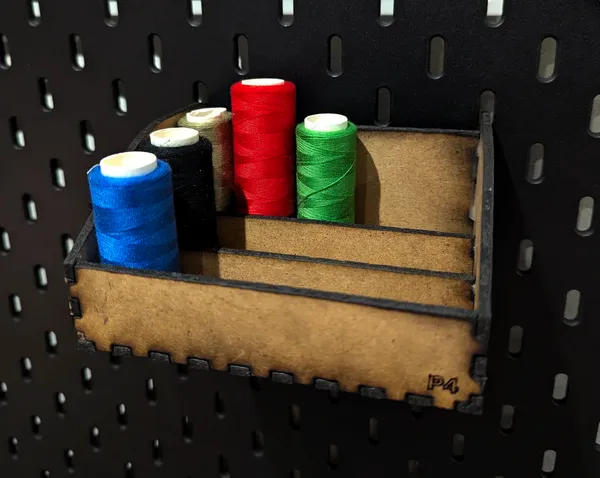 LaserFork
Shorter open tray with dividers, hung on a Skadis board by two hooked side brackets that curve down to a low front.
 CNCFork
A wide flat-pack desk on two tapered, splayed inverted-U leg frames, with the desk top finger-jointed to the frames' top edges, an upper bracket pressed agai…
 LaserFork
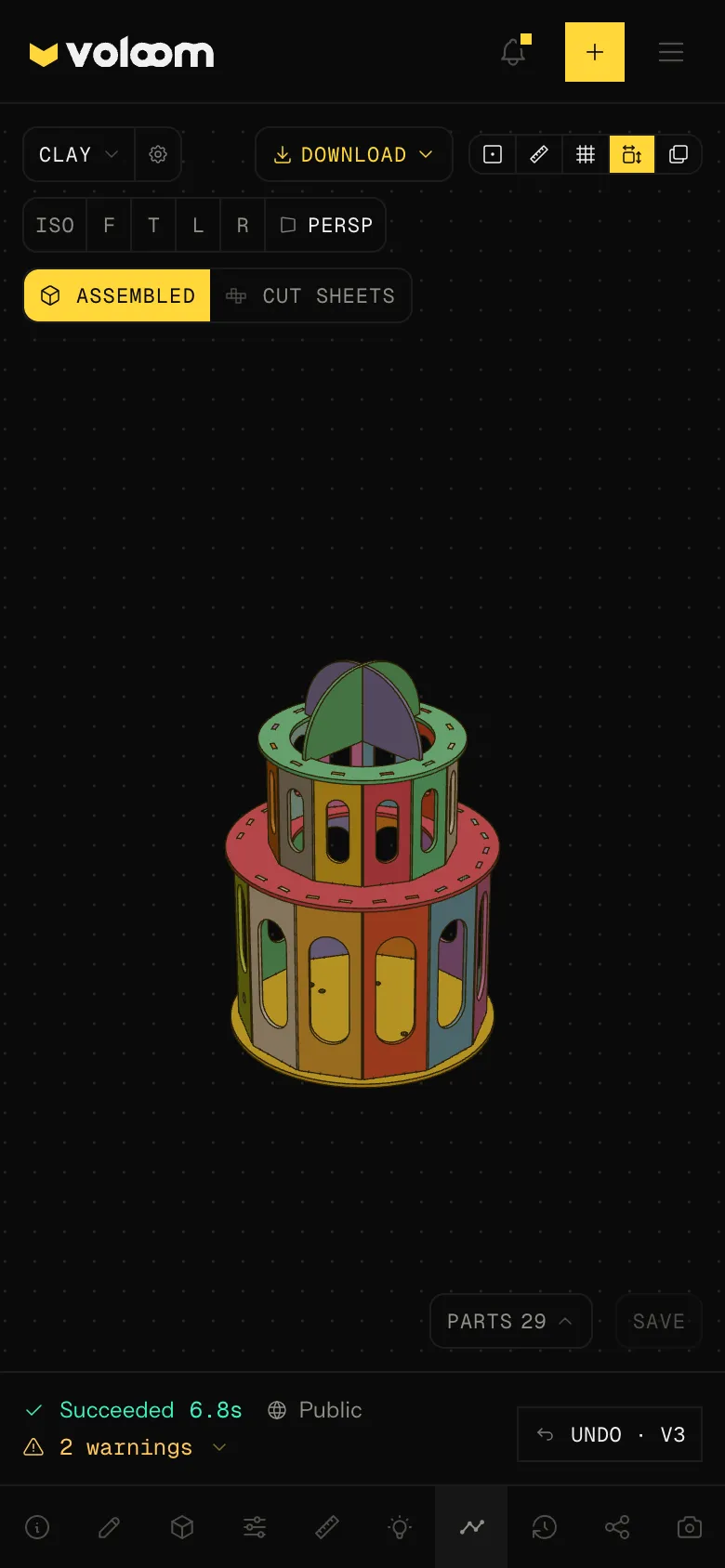
A two-storey round lantern with a double candle door (two leaves, each hinged on top and bottom pins at its outer side), a diamond cross-hatch lattice with s…
 ModelFork
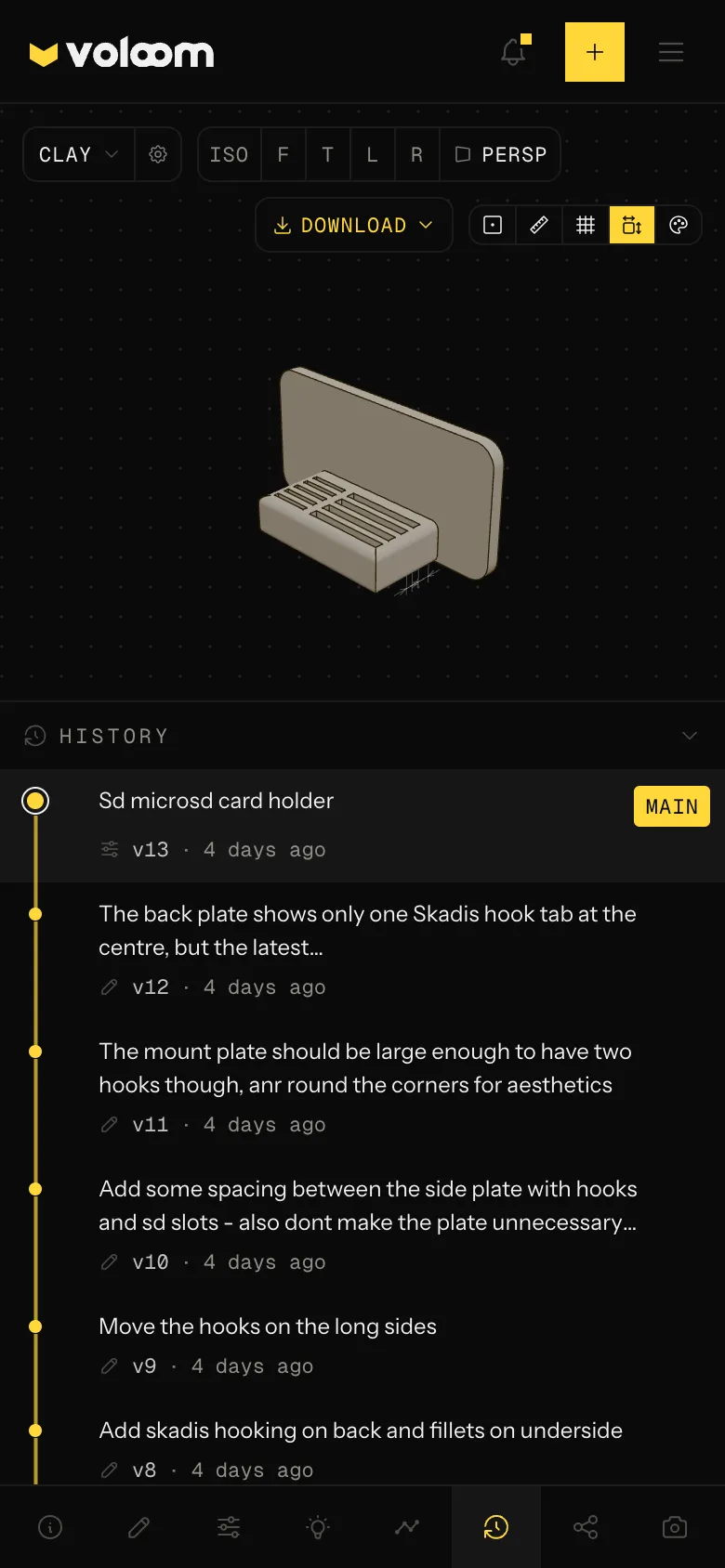
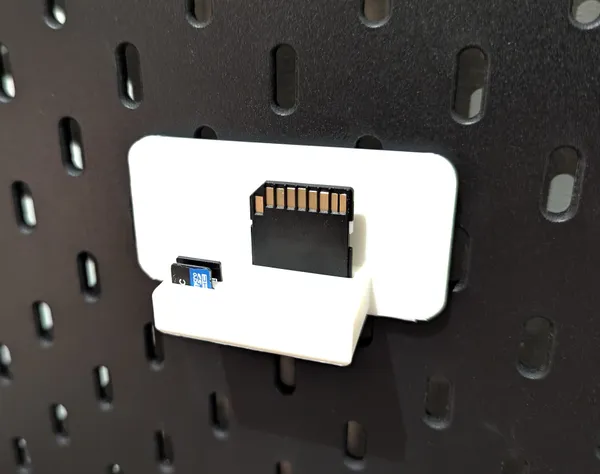
Upright SD and microSD card holder with rounded top and bottom edges, set against a full two-cell Skadis hook plate with rounded corners and two hook tabs 40…
 ModelFork
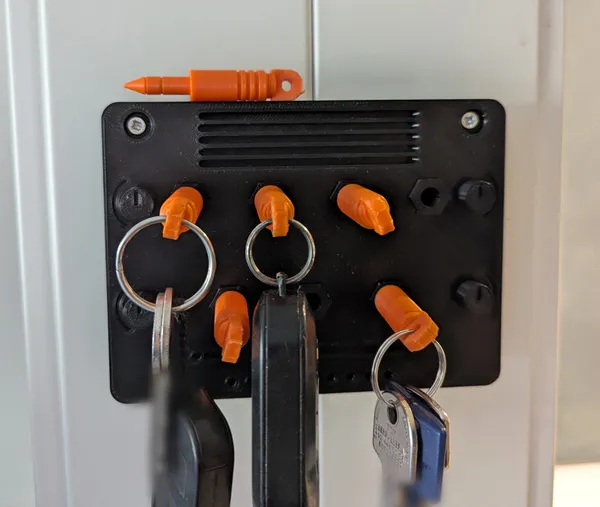
Sound-board-style key holder panel: seven real-size 1/4 in jack sockets in two staggered rows, four mixer knobs with scale arcs, a slotted speaker grille acr…
 LaserFork
A kit-style Notre-Dame: twin-towered west front with three stepped portals, kings gallery, rose window and arcade, a steep-roofed nave with flying buttresses…
 ModelFork
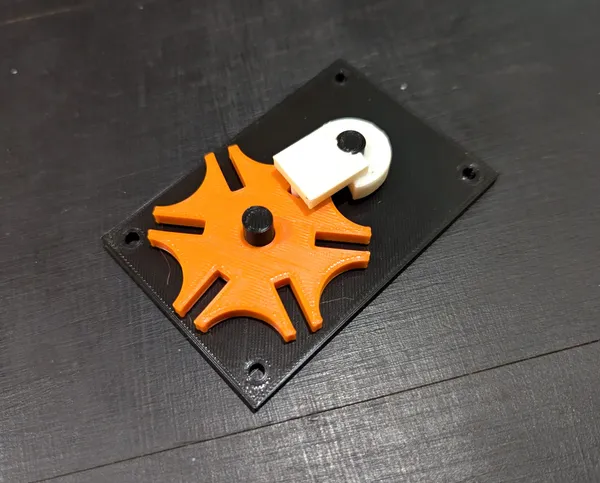
Three separate parts: a six-slot star wheel 55 mm across, a drive disc with its pin in one slot, and a base plate under both.
 LaserFork
LNER Class A3 4-6-2 with tender at about 1:48: ribbed boiler with chimney and dome, deflectors, cab, spoked wheels and motion, on a track board.
 LaserFork
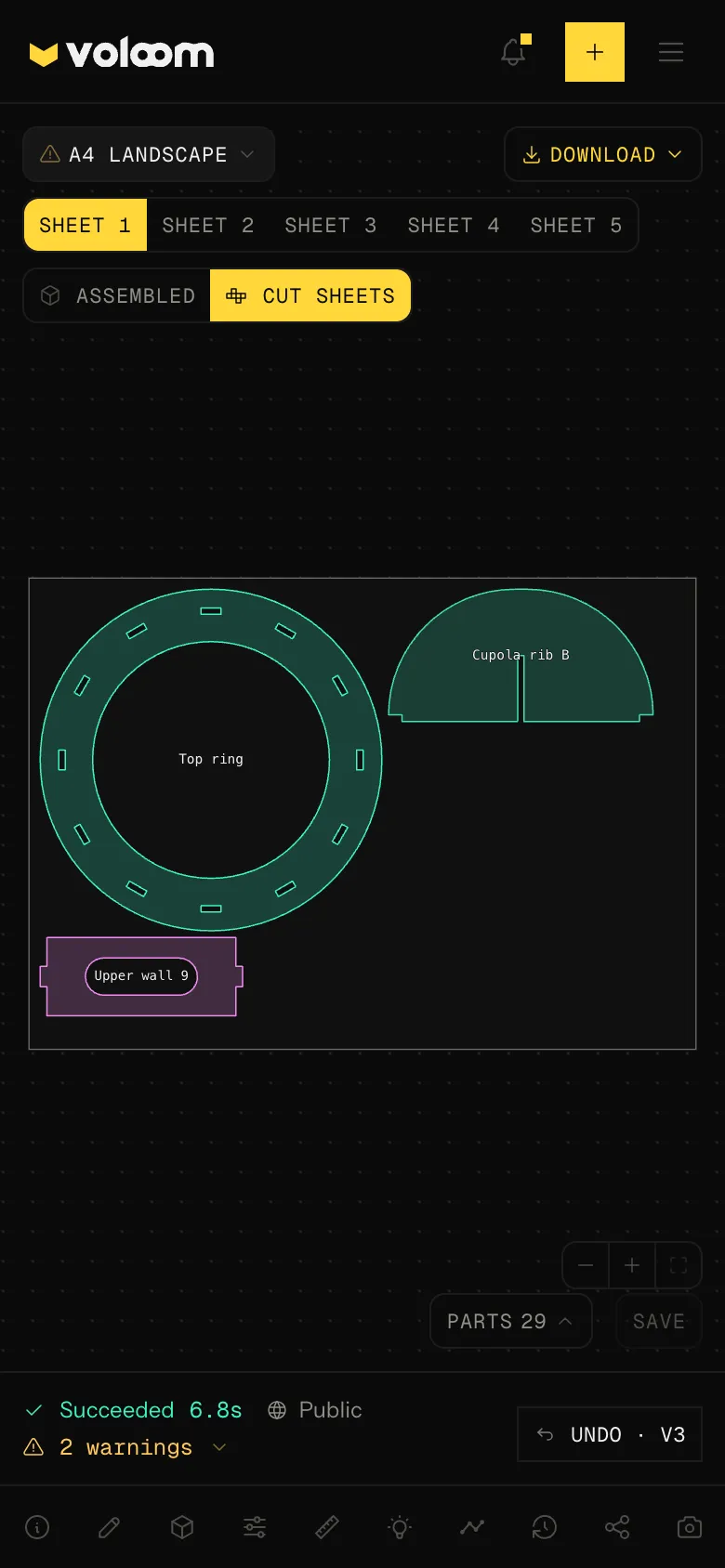
A Danish-style windmill: a tapering ten-sided brick tower on a base, with a gallery and balustrade, arched windows and door, a domed cupola, and a loose latt…
 ModelFork
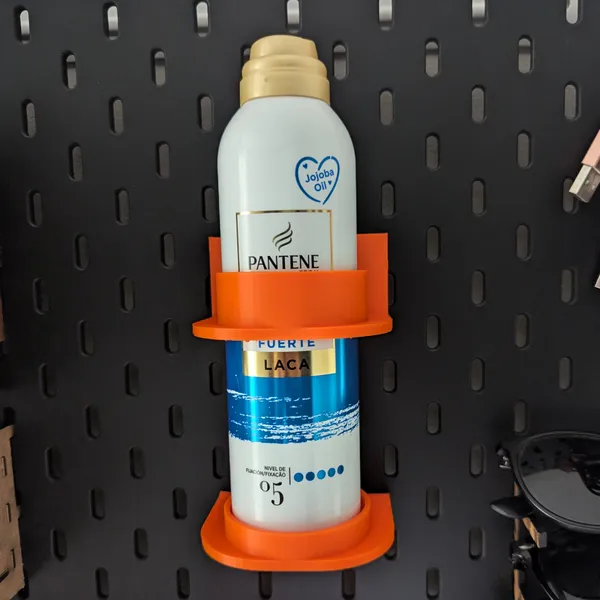
Skadis spray can holder: a Skadis back with rounded corners and hook tabs. A collared hole in the shelf at the bottom edge holds the can, and a drop arm runs…
 ModelFork
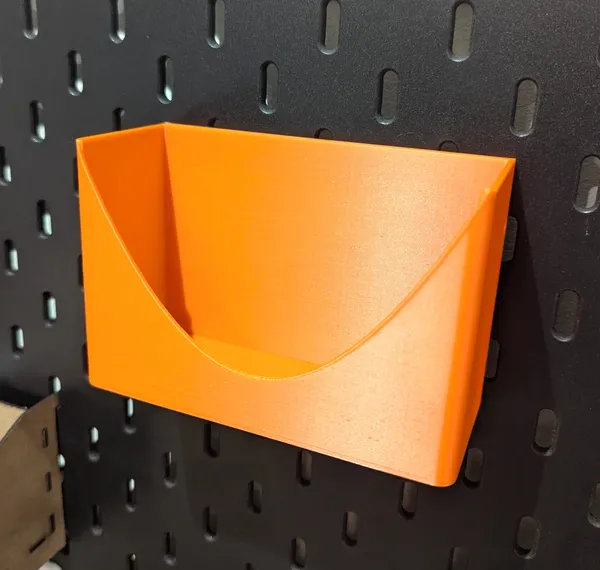
skadis bin
A bin that hooks straight into your Skadis board with no clips. Three cells wide to start, 120 mm, with a curved front so you can reach in.
 ModelFork
Five parts: a bin, a hinged lid that follows its curved front, and a foot pedal that lifts the lid through a link bar and push rod.
 LaserFork
Sixteen parts cut from 6 mm birch plywood: an open-front carcass with a middle shelf and two finger-jointed drawers.
A sentence in. A parametric model out.
Three steps. No sketch, no timeline, no waiting on a designer.
01
Write it the way you would explain it to a friend: the thing, its sizes, what it has to fit. For a solid, you can drop a photo. No CAD skills, no file to start from.
A sentence, or a photo
02
Voloom compiles your brief into a parametric model and builds it with a CAD kernel. A solid for the printer, panels with joints for the laser, or parts with pockets and dogbones for the router.
Built by a CAD kernel
03
Scrub any size without spending credits. STL for a slicer, STEP for CAD, SVG for a laser cutter, DXF for a router's CAM.
STL, SVG, DXF, or STEP
Built for people who need a model, not a CAD course.
A bracket for the printer, a box for the laser, a cutting board for the router.
The bracket nobody sells, the gear that stripped, the case for the board you bought. STL for your slicer the same night.
3D printing →Boxes, trays, and lanterns with the finger joints already cut for your plywood. SVG straight to the machine.
Laser cutting →Cutting boards, signs, and flat-pack shelves, with pockets to depth and dogbones for your bit. DXF for your CAM.
CNC routing →Name signs, organisers and kits made to order. Change the name or the size, download again, and the joints still fit.
A model you can measure, resize, and keep.
Solids, and models you assemble from a sheet. Files for a printer, a laser, a router, or CAD.
Walls, bores and hole spacings come out the size you asked for, in millimetres. Panels meet where they should, with the joints cut where they touch.
Each design is a set of sizes and the rules between them. Change one and the rest follows: the lid still fits, the joints recut for the new sheet.
STL for a slicer, STEP for CAD, SVG for a laser cutter, DXF for a CNC router, GLB for the web. The files are yours.
Prompt again or move a slider and you get a new revision with a diff against the last one. Share any of them with a link.
Free
$0 No card
Maker
$12 / month
$12 billed every month
Pro
$29 / month
$29 billed every month
Teams
Custom Priced with you
Prices are per month; yearly is billed once a year at a lower rate.
A design spends credits for what it used: less for a simple part, more with photos or Thorough thinking.
Monthly credits reset each month, and top-ups never expire. Cancel anytime; your plan runs to the end of what you paid for.
Need more without a plan? 350 credits for $10, about 17 to 40 designs, spent after the monthly credits. They never expire.
Buy 350 creditsA downloaded STL is one fixed shape. A Voloom design is a parametric model: its sizes and the rules between them. Make the case wider and the holes, walls and lid follow; switch the plywood and every joint recuts.
Yes. Every size is a slider, and moving one costs nothing. You can also type a change, like "make the lid 5 mm taller" or "add a handle", which spends credits like a new design. Each change is a new version, and going back is free.
STL, 3MF, STEP, OBJ and GLB for 3D designs. SVG, DXF and LightBurn projects for laser and CNC. Every format is on every plan, the free one included.
Yes. Drop in a photo of the part you need, or a sketch with a few lengths written on it, and Voloom reads the shape and the sizes. The free plan includes one photo design a month.
A plain 3D design usually uses about 8 credits and a laser design about 20. Moving sliders and recutting for another thickness never spend any. The free plan is 75 credits a month, about 3 to 9 designs, with no card.
Say what is off in the revise box, or move the sizes that are wrong. A run uses the credits it spent even when it fails; if a failure was ours, tell us from Feedback and we can put them back.