
Free
$0
- 75 credits / month, about 5 designs
- STL, 3MF, OBJ, GLB, and cut SVG
- 1 reference-photo design / month
- Projects are public
- Sliders and re-cuts never spend credits
VoloomVoloom3D printing3D printingLaserLaser cuttingCNCCNC routing
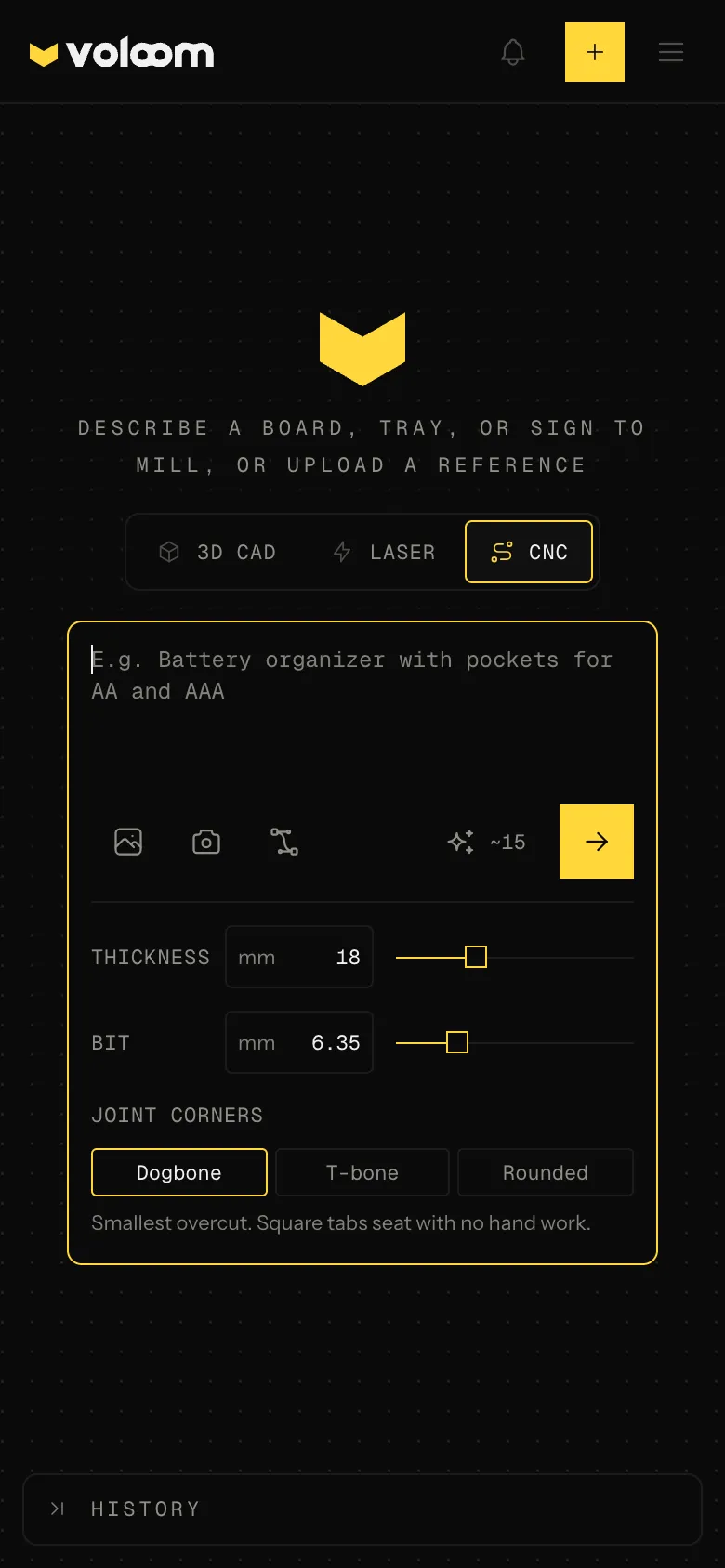
Describe a cutting board, a tray, a sign, or a shelf. Voloom mills the pockets to depth, sizes the joints for your stock and bit, and adds the dogbones. You see the part milled. The DXF is what your CAM toolpaths.
75 credits a month on the free plan, about 5 designs. No card.
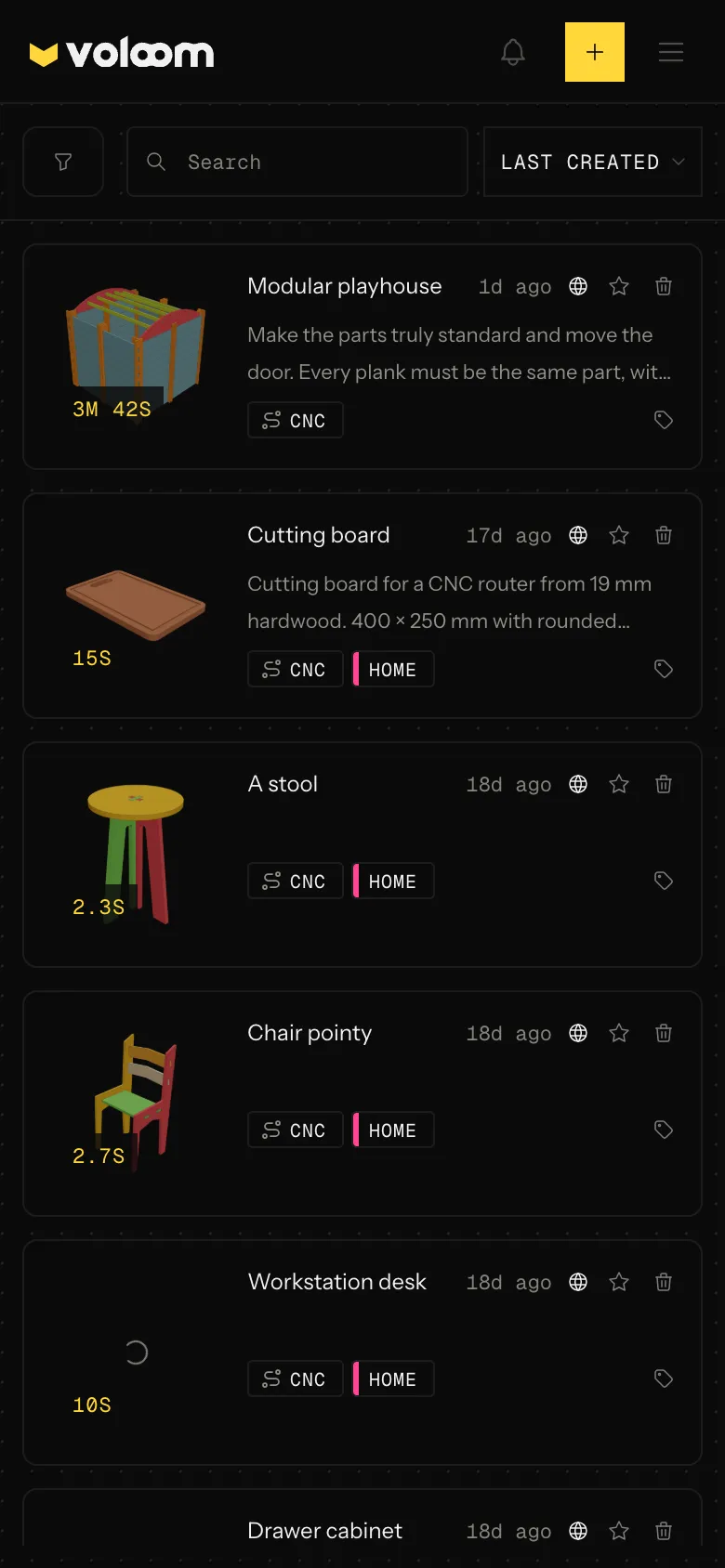
Every model here was generated in Voloom. Open one and fork a copy.
 CNCFork
A 400 × 400 mm side table, 450 mm tall, cut from 18 mm ply: two splayed A-frame end panels with arched feet, tabbed into the top, and a lower shelf that lock…
 CNCFork
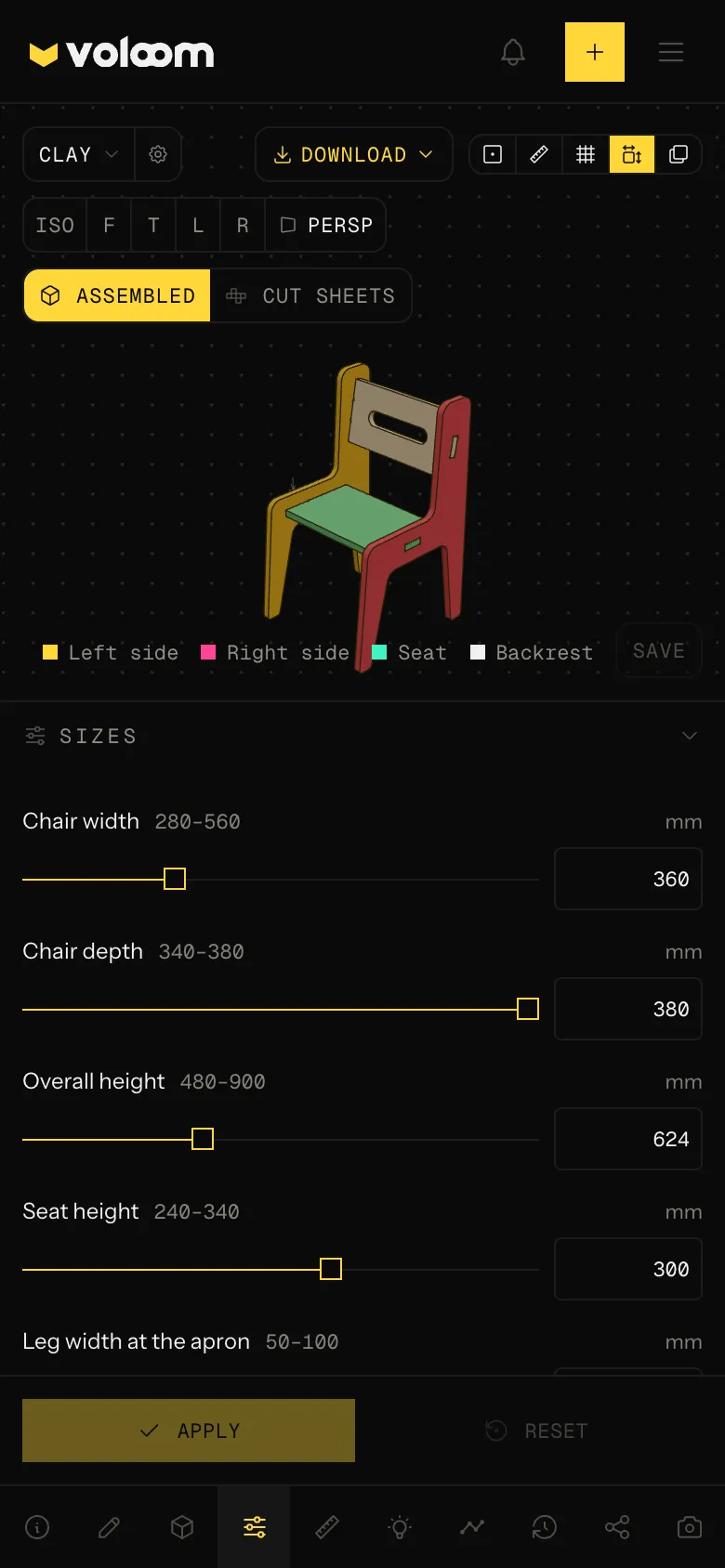
Flat-pack side chair with two angular side frames (forward-splayed tapered front legs, a gabled apron and a single raked back post), a seat panel and two che…
 CNCFork
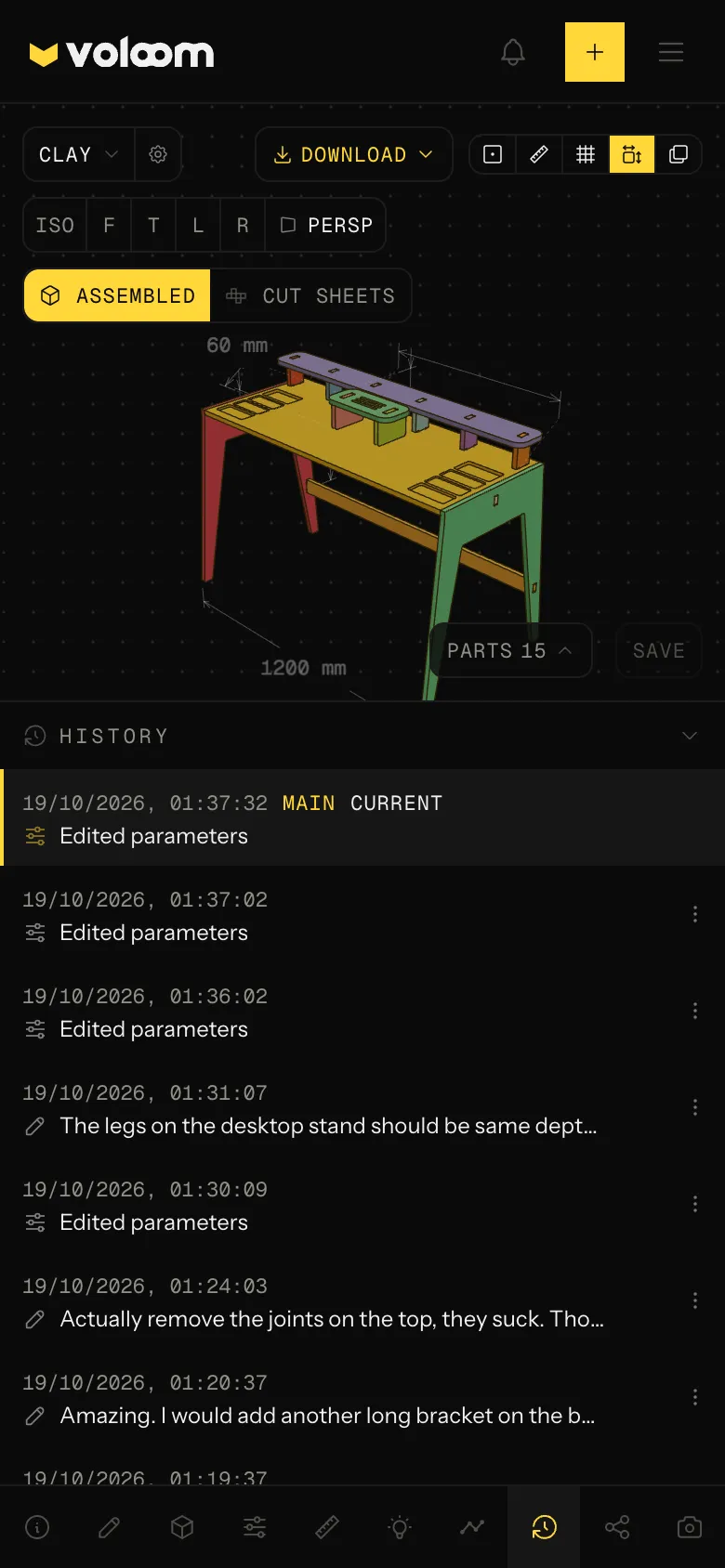
A wide flat-pack desk on two tapered, splayed inverted-U leg frames with the desk top resting between them, an upper bracket pressed against the underside of…
 CNCFork
A taller, sleeker flat-pack chair with tapered side frames and a backrest reclined at an angle: the front legs splay forward and narrow toward the foot, and…
 CNCFork
cnc box
CNC box with lid as a parametric cut file. Set the stock and size, then download the SVG or DXF.
A sentence in. Router-ready parts out.
Three steps from a sentence to a file your CAM can toolpath.
01
A cutting board with a juice groove, a tray with pockets, a sign, a shelf that slots together. Give the sizes in millimetres. No drawing to start from.
A sentence
02
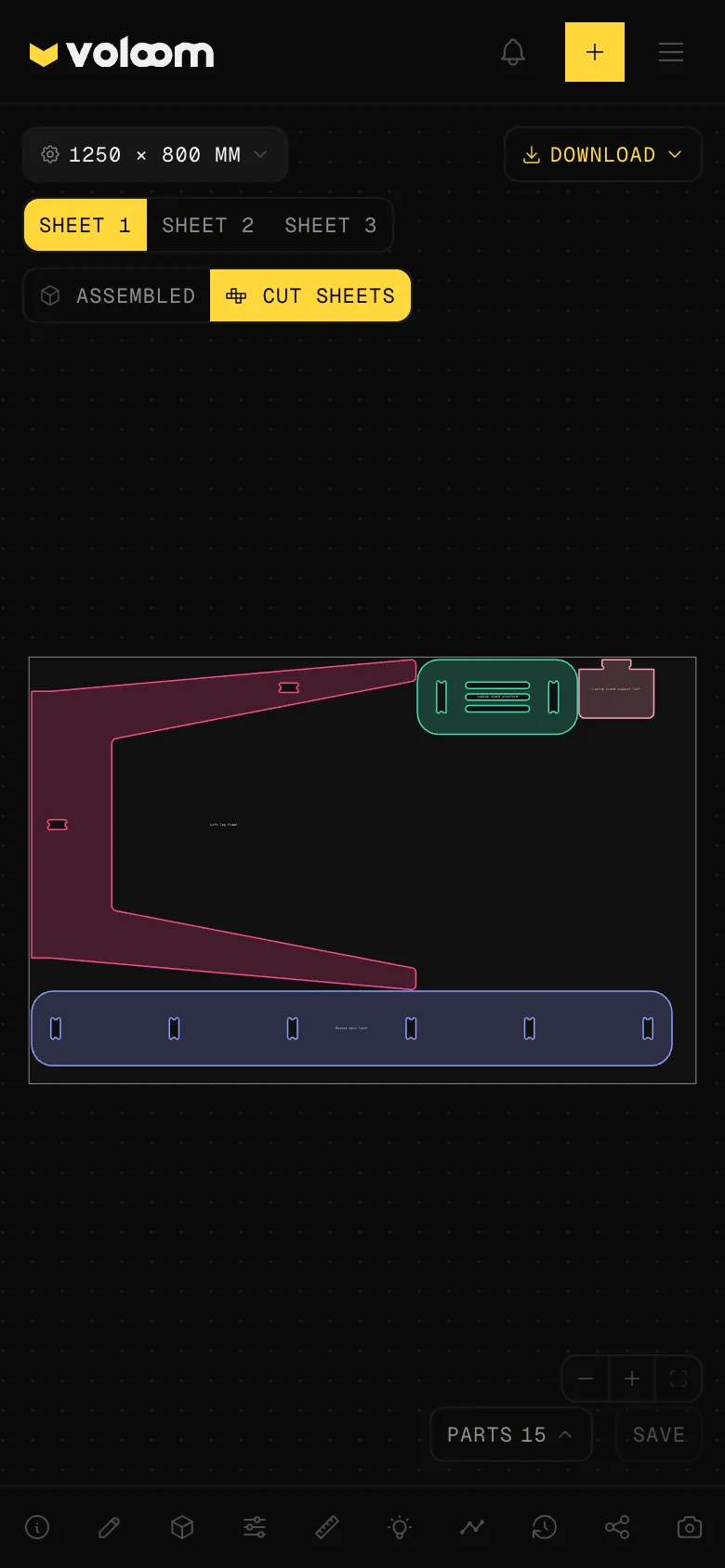
Voloom lays out the parts, mills pockets and lettering to depth, cuts joints for your stock, and puts a dogbone in every inside corner the bit cannot reach.
Pockets, joints, dogbones
03
Change the board thickness or the bit diameter and every joint and corner recuts, without spending credits. Take the DXF or the layered SVG into your CAM.
DXF and SVG for CAM
Built for people who have a router and a board to cut.
Boards, trays, signs, jigs, and flat-pack furniture, cut from one stock thickness.
A Shapeoko, a LongMill, or a Onefinity in the garage. Describe the board, pick the stock and the bit, and take the DXF to your CAM.
Cutting boards, coasters, and signs with a name milled in. Change the size or the lettering and download again.
Hinge templates, shadow boards, and fixtures, sized to the tool you actually own.
Shelves, boxes, and stands that slot together from 18 mm ply, with the joints sized for the sheet and the bit.
A part you can measure, and the file your CAM runs.
The browser shows it milled. The download is the DXF or the SVG.
Trays, recesses, juice grooves, and lettering are pockets with a depth, not just outlines. One board can carry them all.
Set the board from 3 mm to 50 mm and the bit diameter. Every slot and tab recuts, and inside corners get dogbones so the parts fit.
Download a DXF on CAD layers or a layered SVG, cut paths and pocket depths kept apart. The browser shows the part milled.
Prompt again or move a size and you get a new revision. Share any of them with a link.
Start free. Prices are per month. Yearly is the lower rate, billed once a year. A design costs about 15 credits, and you pay what it used. Monthly credits reset each month. A $10 top-up adds 350 credits that do not expire.
Free
$0
Maker
$12$9.58 / month
Billed annually at $115. Save 20%.
Pro
$29$23.25 / month
Billed annually at $279. Save 20%.
Need more without a plan? 350 credits for $10, about 23 designs. They do not expire.
Buy 350 credits