DIY dining table plans with 3D printed joints
Free dining table plans in mm: legs and aprons, the top set in, and a low H of stretchers clear of chairs. Size it, print the joints, cut to the list.
- Dimensions, W × D × H
- 1549 × 849 × 769 mm
- Joints to print
- 14 in 5 shapes
- Beams
- 4 × 3000 mm
- Boards
- 1
Click a part to see what it is; shift-click to add more. Drag to turn the view, shift-drag to pan.
Dining table
- Outside
- 1548.6 × 848.6 × 768.6 mm
- Joints
- 14 in 5 shapes
- Beams
- 11, from 4 × 3 m
- Boards
- 1 · 1.09 m²
Every part a little apart from where it goes. Letters and colours name the joints to print; B and P codes name the beams and boards, one code for every piece cut the same.
What it takes
Print the joints, cut the beams and boards.
Joints to print14 pieces
1 socket
Building…
3 sockets, a bore through
Building…
3 sockets, 1 board corner
Building…
3 sockets, 1 board corner
Building…
3 sockets, a bore through
Building…
Beams11 pieces
- B1×3
1450.4 mm
40 × 20 beam
- B2×4
750.4 mm
40 × 20 beam
- B3×4
670.4 mm
40 × 20 beam
Boards1 pieces
- P1×1
1450.8 × 750.8 mm
18 mm board
Cut
40 × 20 mm beam from 3000 mm lengths, 3 mm saw cut, ends square. Board sizes leave the clearance already; notches are cut square at the corners.
Beams4 lengths of 3000 mm
- 1B11450B11450
- 2B11450B2750B2750
- 3B2750B2750B3670B3670
- 4B3670B36701656 left
Boards18 mm sheet
- P1×1
1450.8 × 750.8 mm
18 mm · no notches
Put it together
Bottom up, a level at a time. Each step draws its new parts solid and what is already in place faded.
- 1
Base
4 × A- Joints: 4 × A.
- 2
Uprights to 150 mm
4 × B34 × B- Stand posts 4 × B3 in the sockets.
- Thread 4 × B onto the posts, slid to their marks.
- 3
Level at 150 mm
B12 × B22 × E- Slide 2 × E onto the beams before their ends go in.
- Push beams B1, 2 × B2 into the sockets, from above.
- 4
Top
2 × B12 × B2P12 × C2 × D- Lay out board P1 and push the joints onto their corners.
- Joints: 2 × C, 2 × D.
- Push beams 2 × B1, 2 × B2 into the sockets, from above.
About this dining table
Four legs, aprons all round under the top, and the top board gripped in the corner joints. Low down, a stretcher across each end and one down the middle under the centre line stiffen the legs where no chair or foot goes.
Drag it longer or wider and the beams, the board and the stretchers follow. The top is one board up to the size of a sheet.
How it works
- 1Pick a piece to start from, or a blank frame, and set your beam and board sizes.
- 2Drag the dimension handles to size it. Paint beams and boards on with the tools, or drop shelves, dividers and a rail where you want them.
- 3Read off the joints to print, the cut list and the assembly steps. Open any joint in the generator to download it.
Questions
- Is it free?
- Yes. The designer runs in your browser with no account. Downloading the joints goes through the joint generator, like any of its prints.
- Does it use AI?
- No. It is arithmetic on your frame and the joint's own sizes, so the same frame always gives the same joints and the same cut list.
- Why does a board say it is held at one point?
- A joint grips boards in one plane only, so at a corner where a shelf and a side meet, one of them misses out. Add a beam along that board's edge so it can take clips, or a rail under the shelf.
- Can I save my design?
- Your draft stays in this browser as you work. Save it to a free account to keep several and open them anywhere, or Copy link to put the whole design in a link you can send or bookmark.
- What do I need to build one?
- A 3D printer for the joints, beams and boards from any timber yard or DIY store, and a saw. The build sheet lists every joint to print, every beam and board to cut to the millimetre, and the order to put it together. Print a test joint first and check it fits your stock.
More to build
All pieces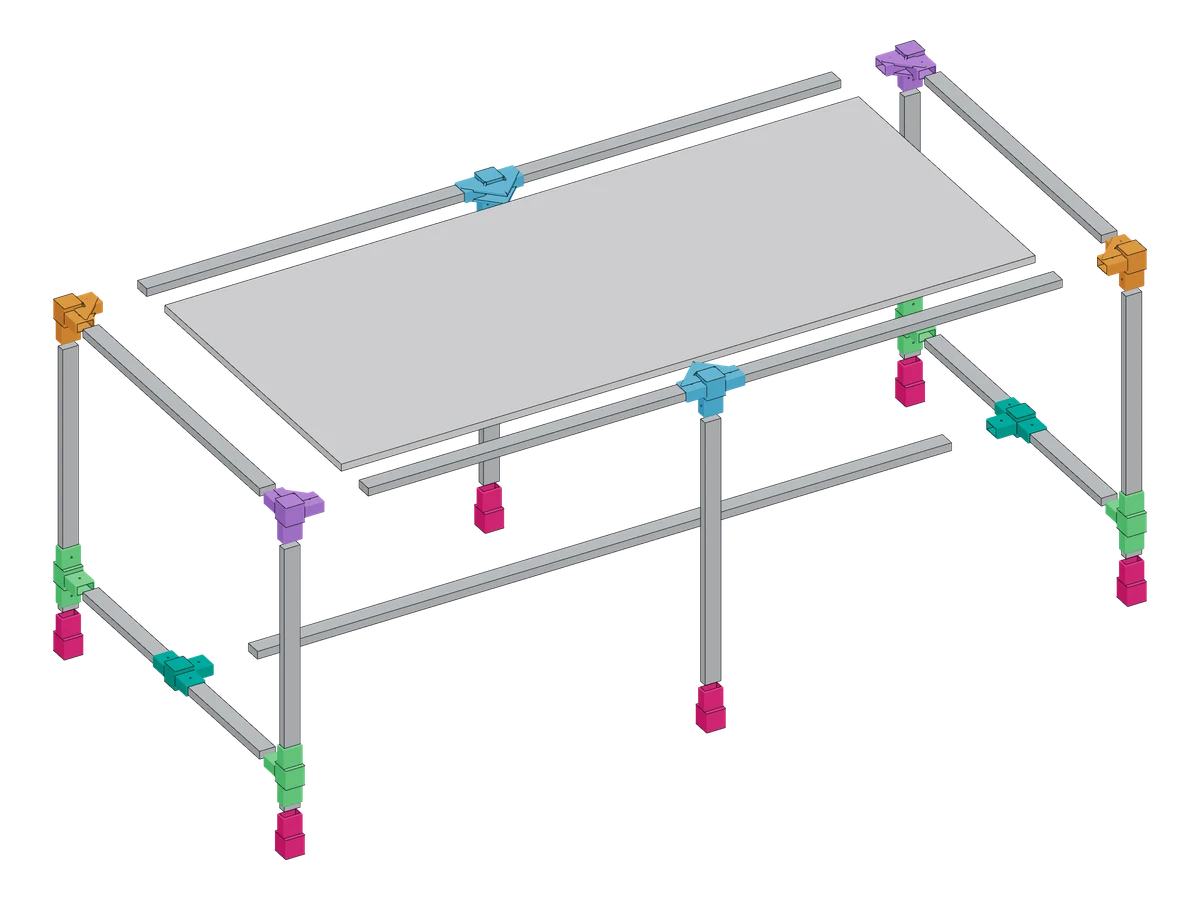 Long table1849 × 869 × 769 mm
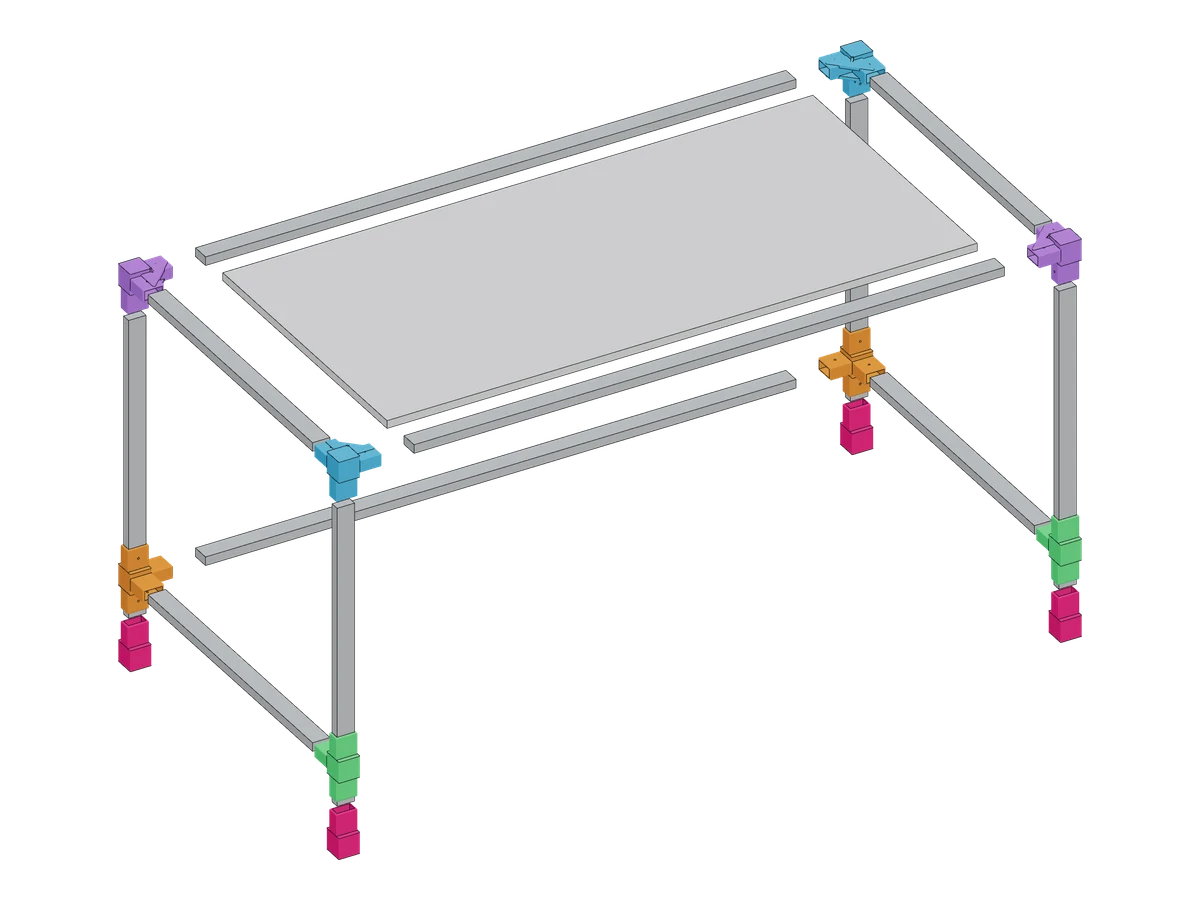 Desk1449 × 749 × 789 mm
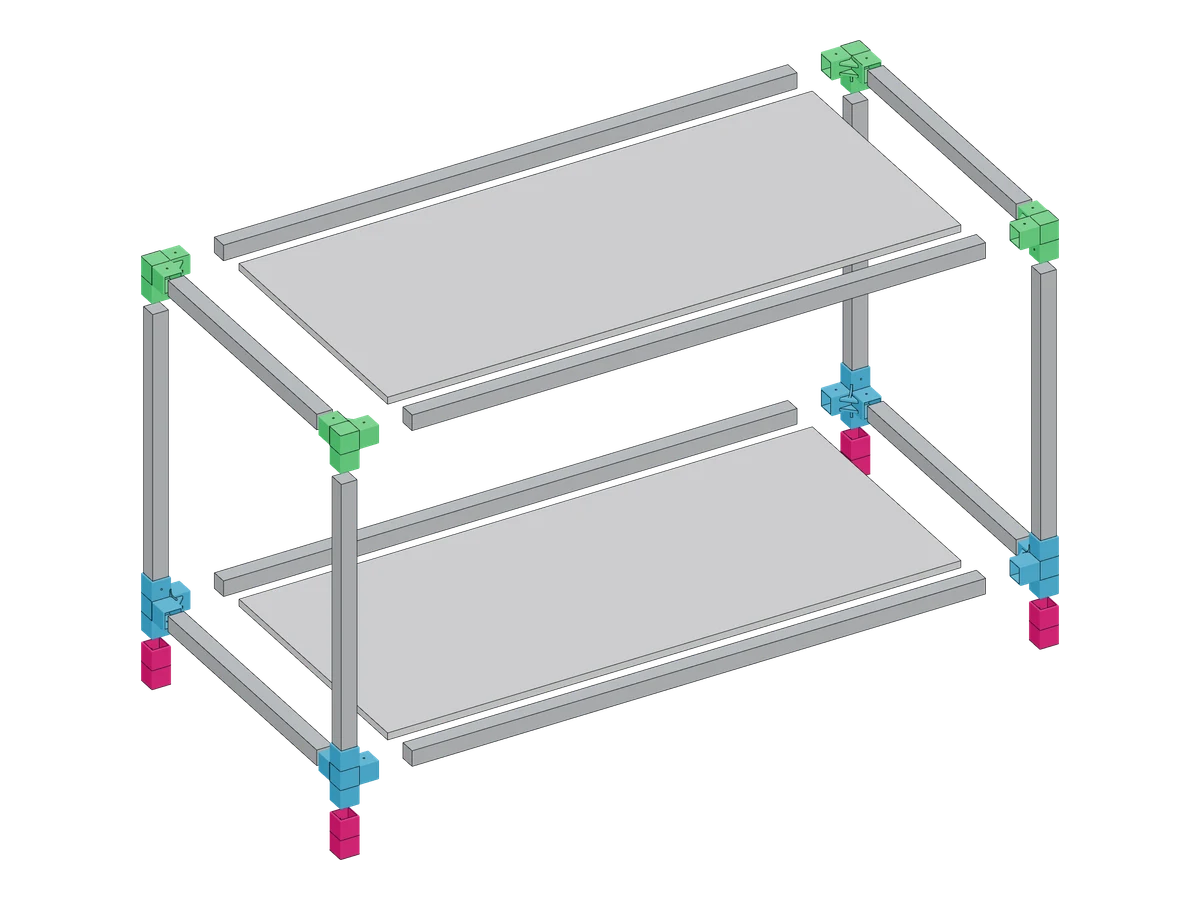 Workbench1549 × 749 × 929 mm
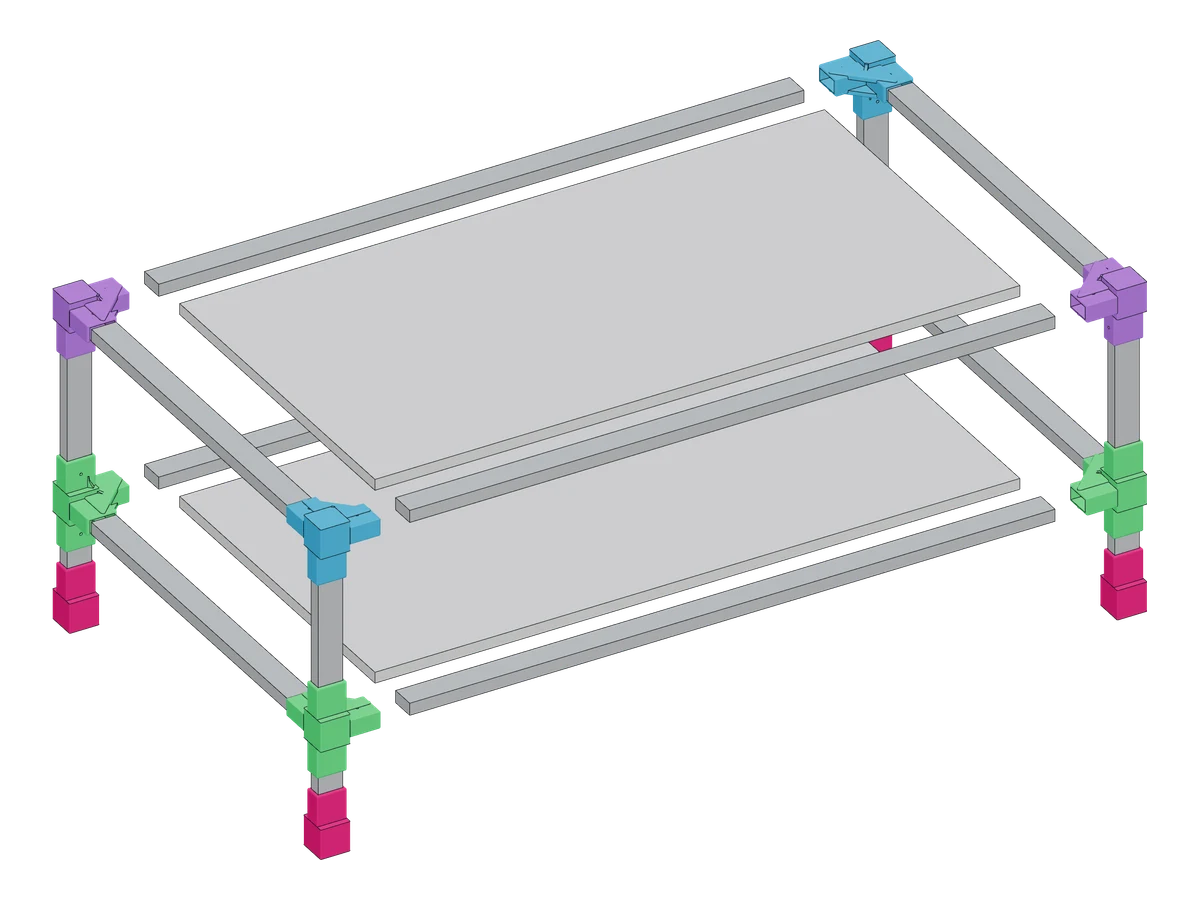 Coffee table1149 × 649 × 469 mm
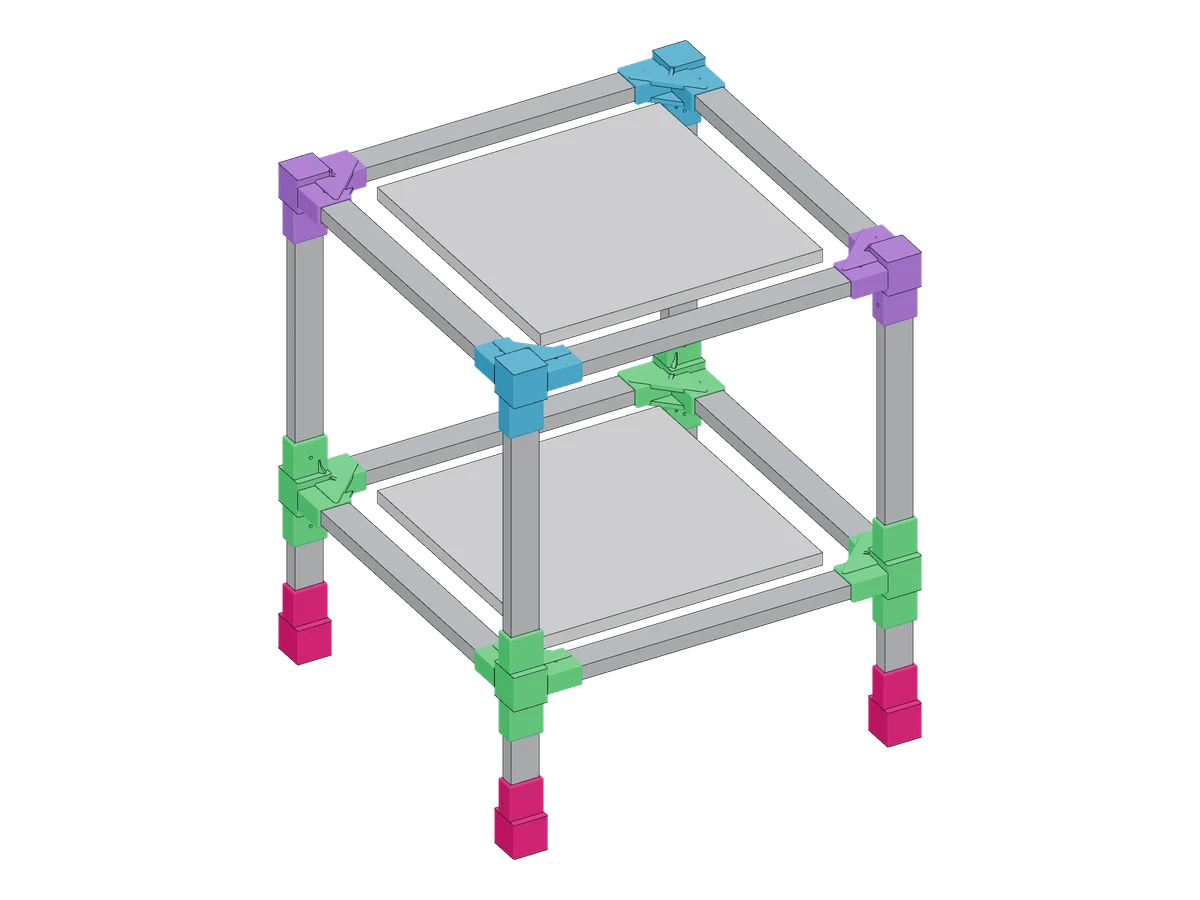 Side table499 × 499 × 599 mm
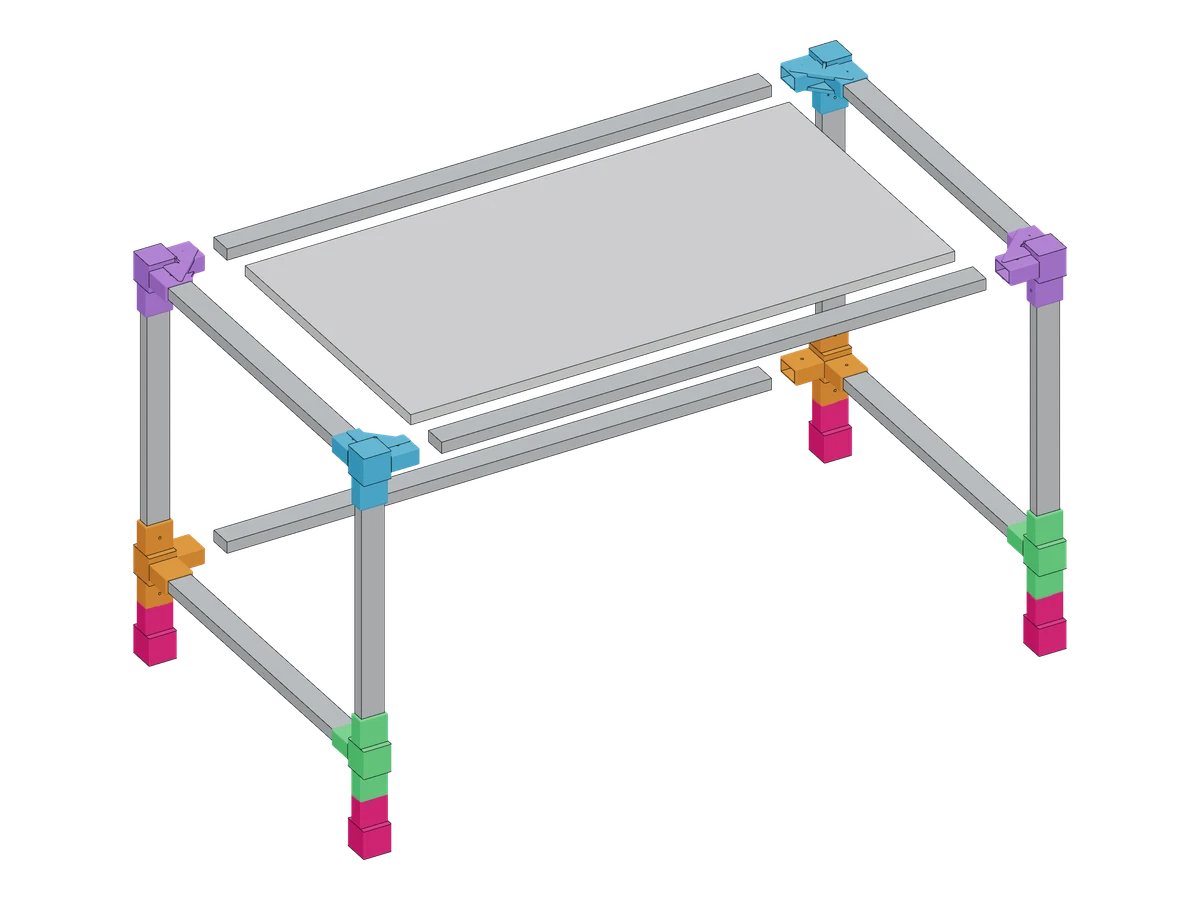 Kids desk1049 × 599 × 609 mm
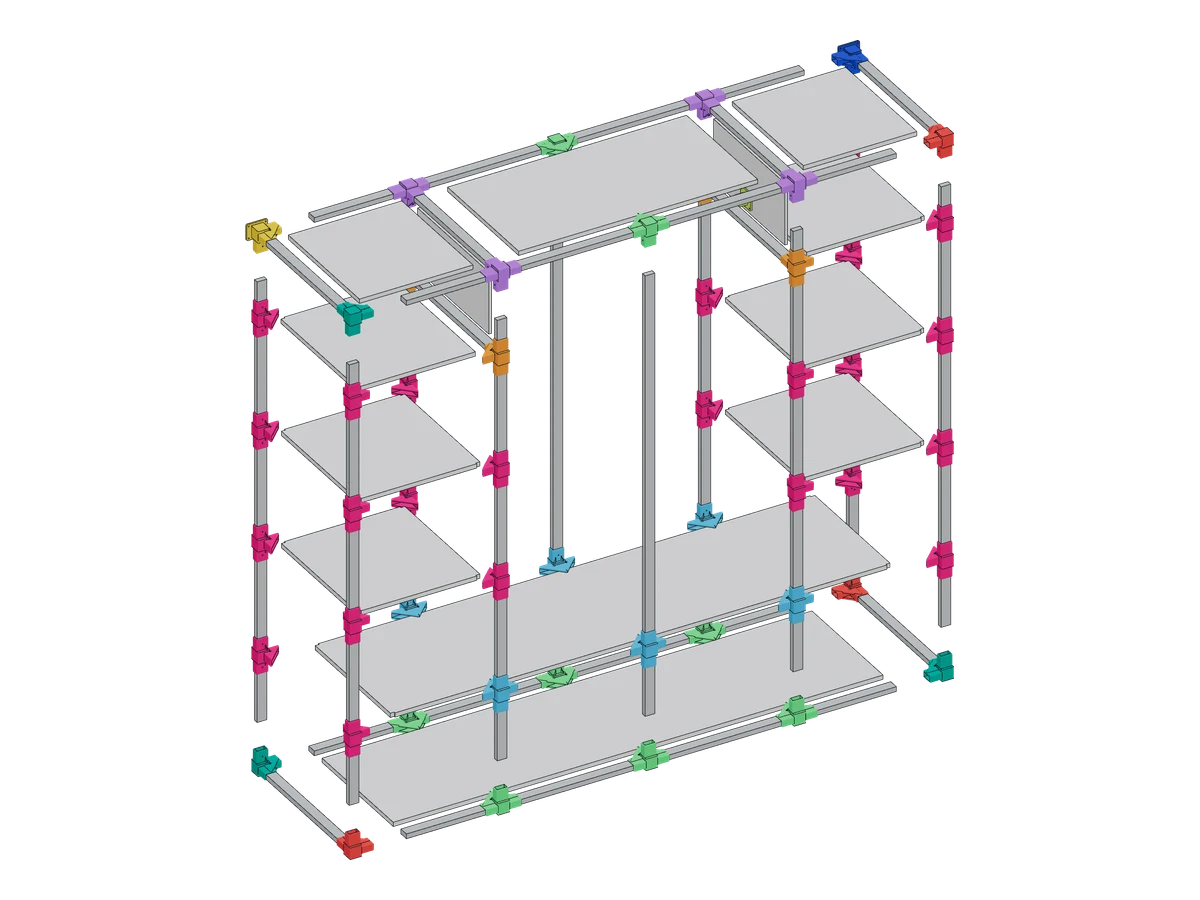 Wardrobe2129 × 609 × 1949 mm
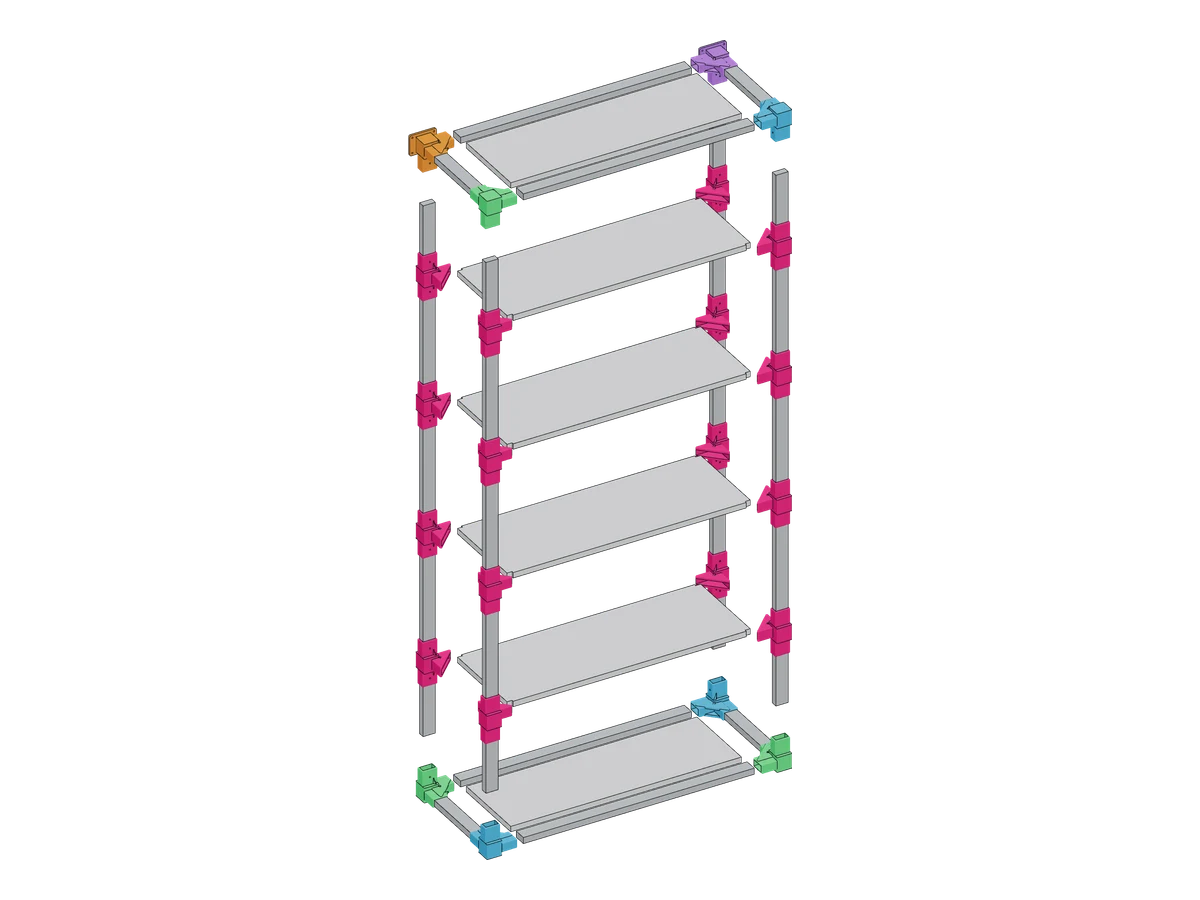 Bookshelf849 × 349 × 1849 mm
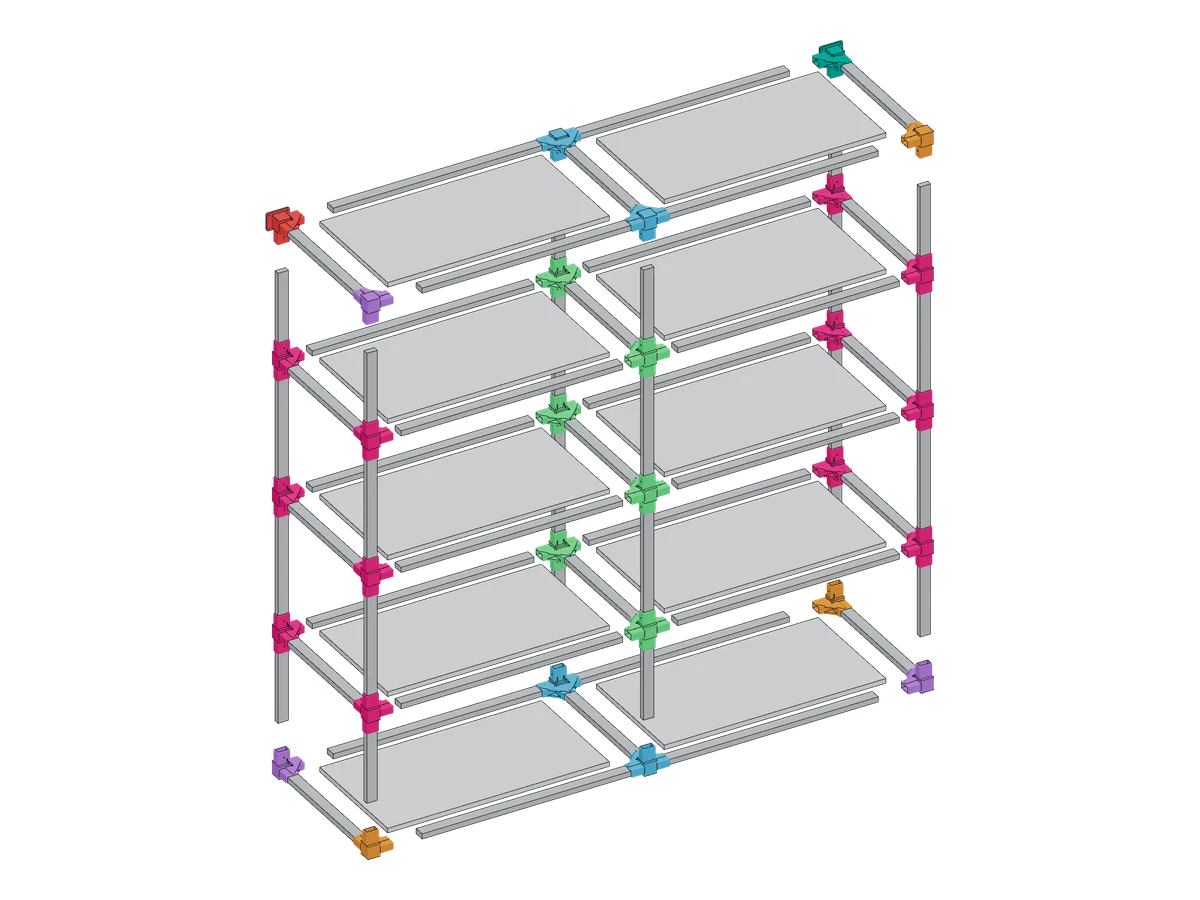 Garage shelving1849 × 549 × 1849 mm
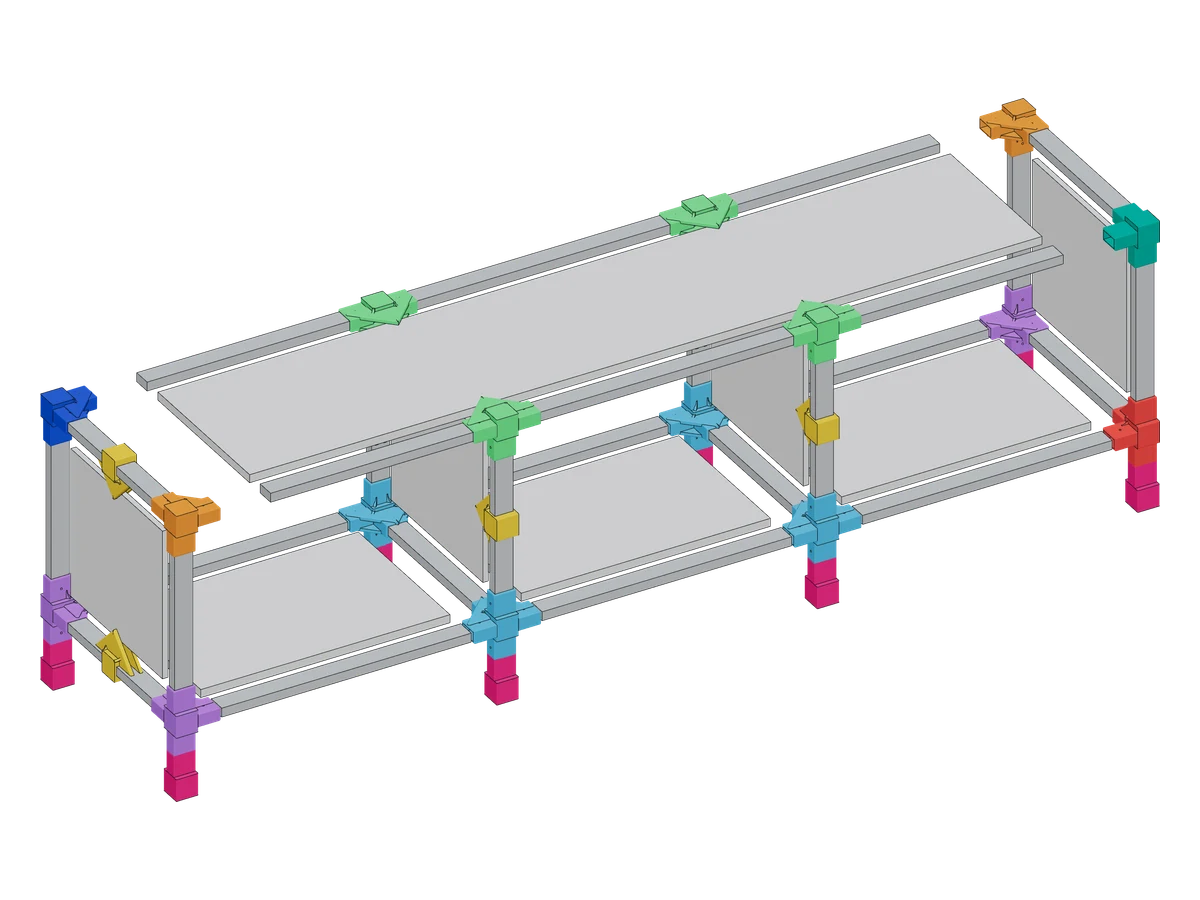 TV stand1849 × 449 × 549 mm
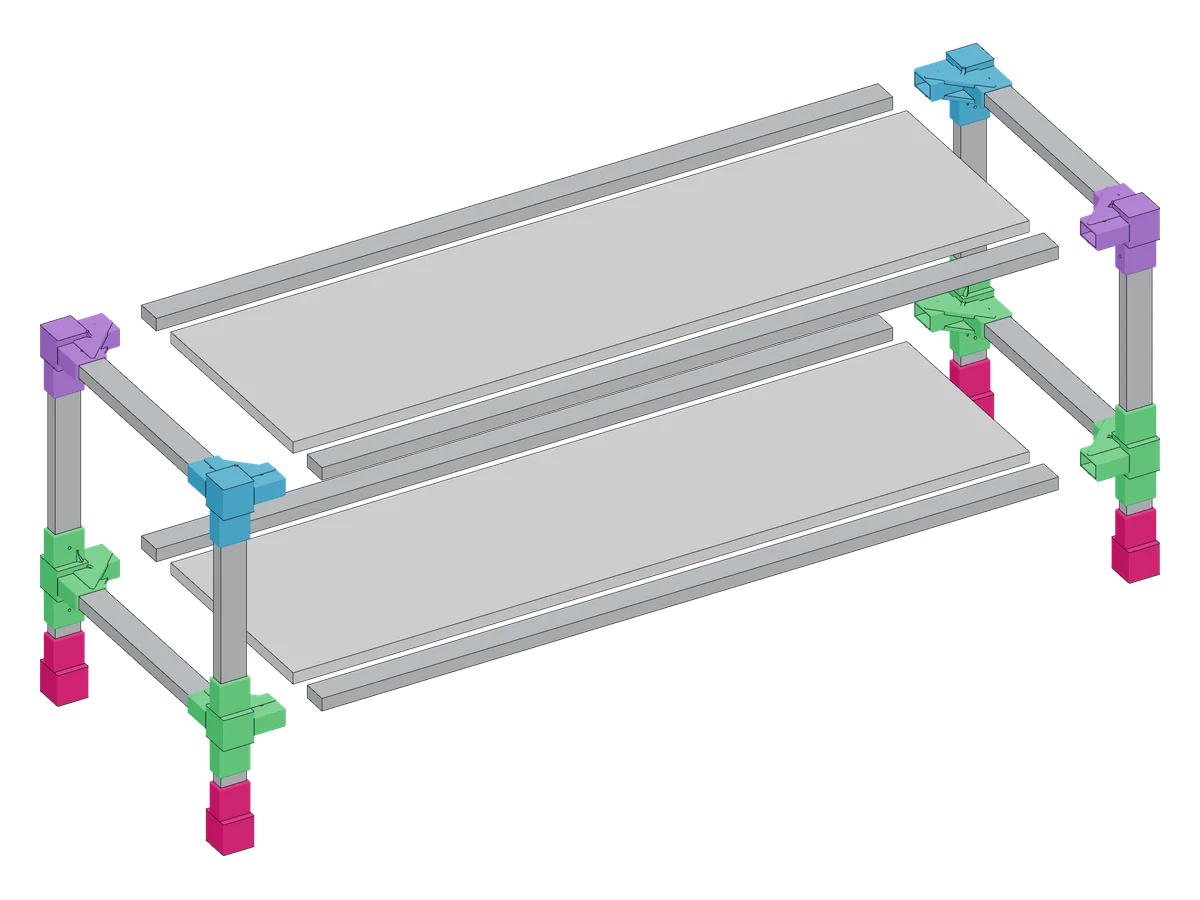 Bench1249 × 429 × 499 mm
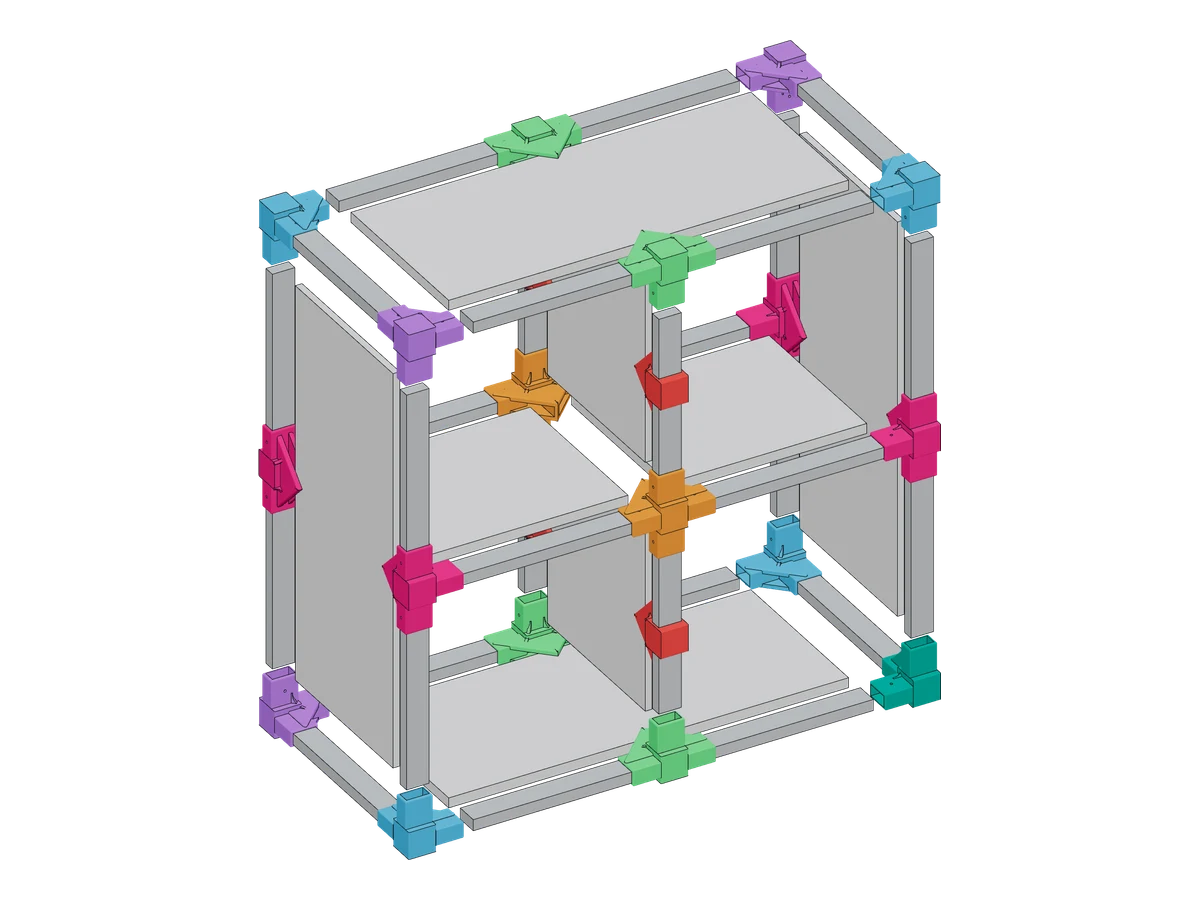 Cube shelf809 × 399 × 809 mm